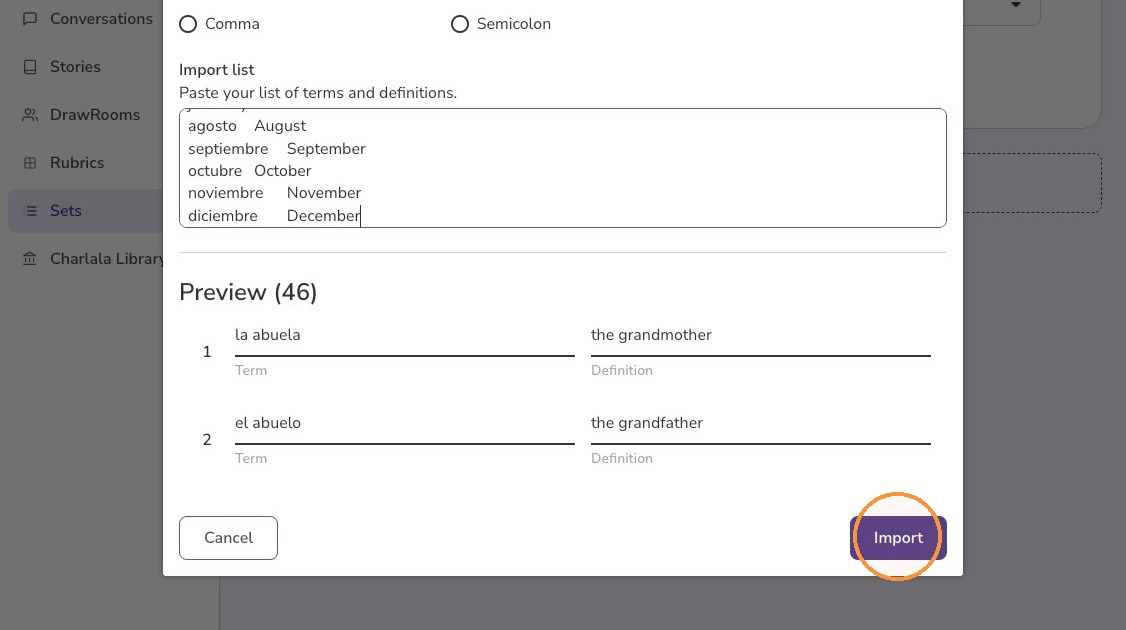
How to Import a Set
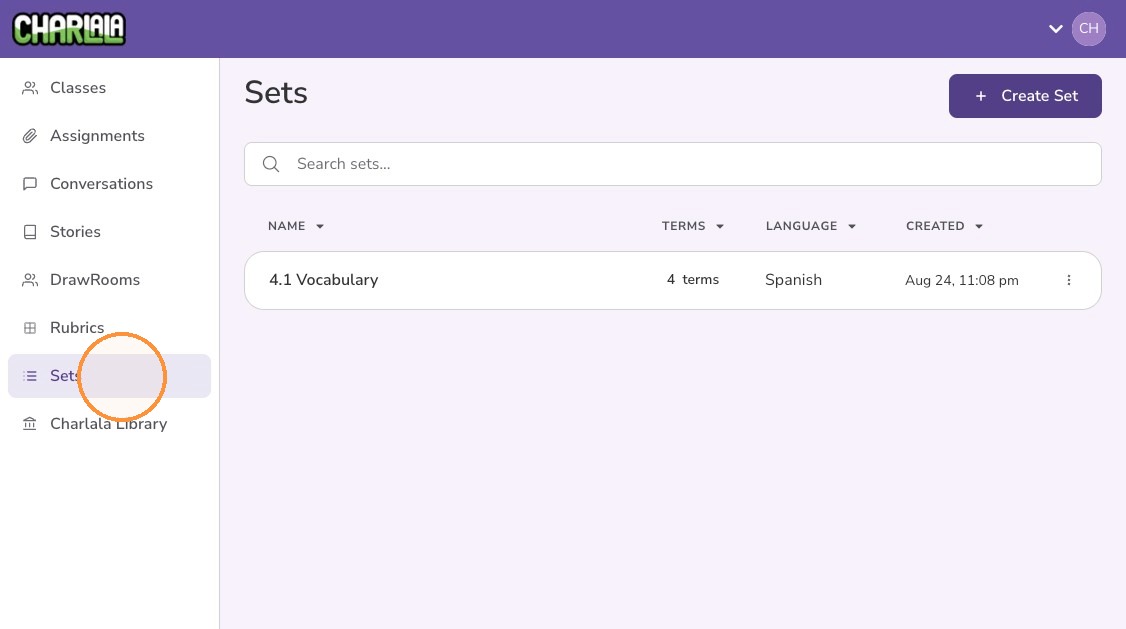
1. Click "Sets" from the left menu
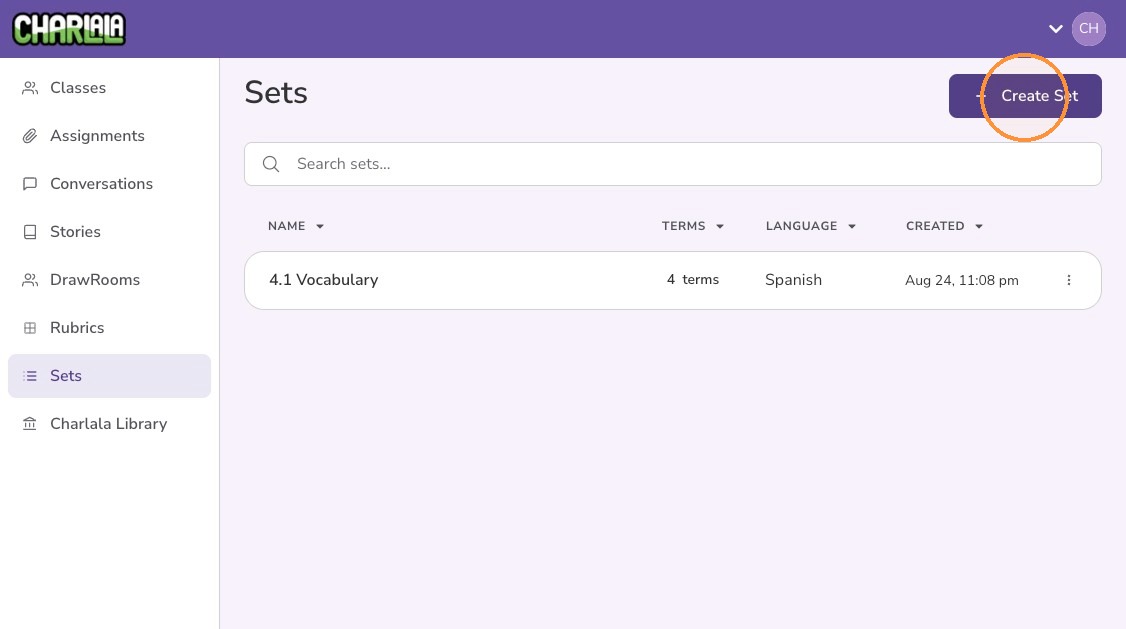
2. Click "Create Set"
3. Give the set a "Name"
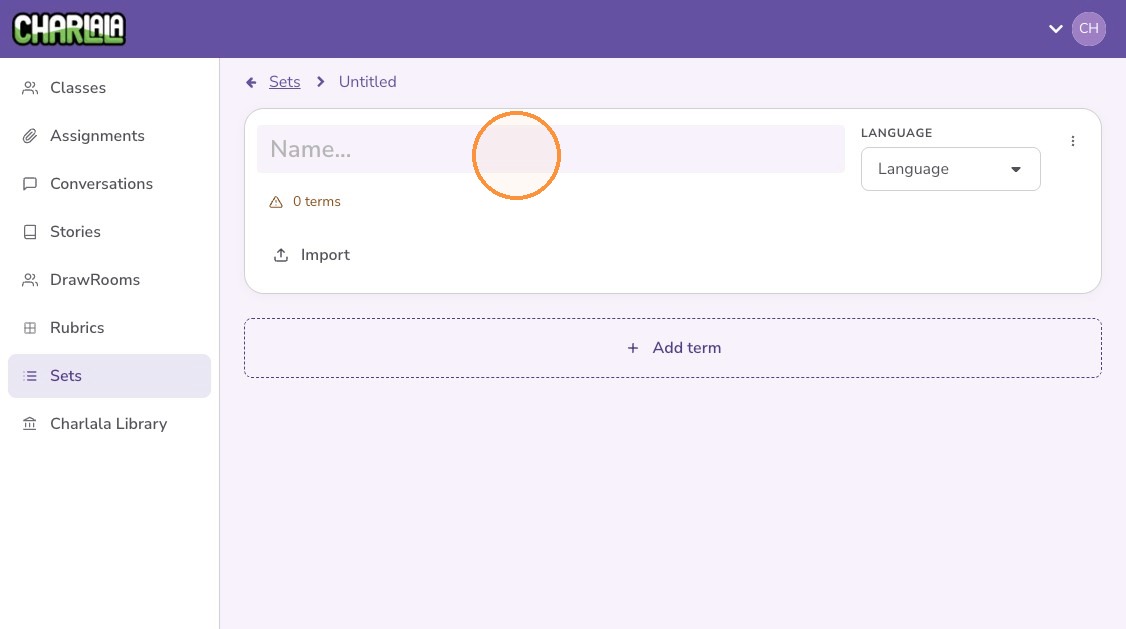
4. Optionally set the target language
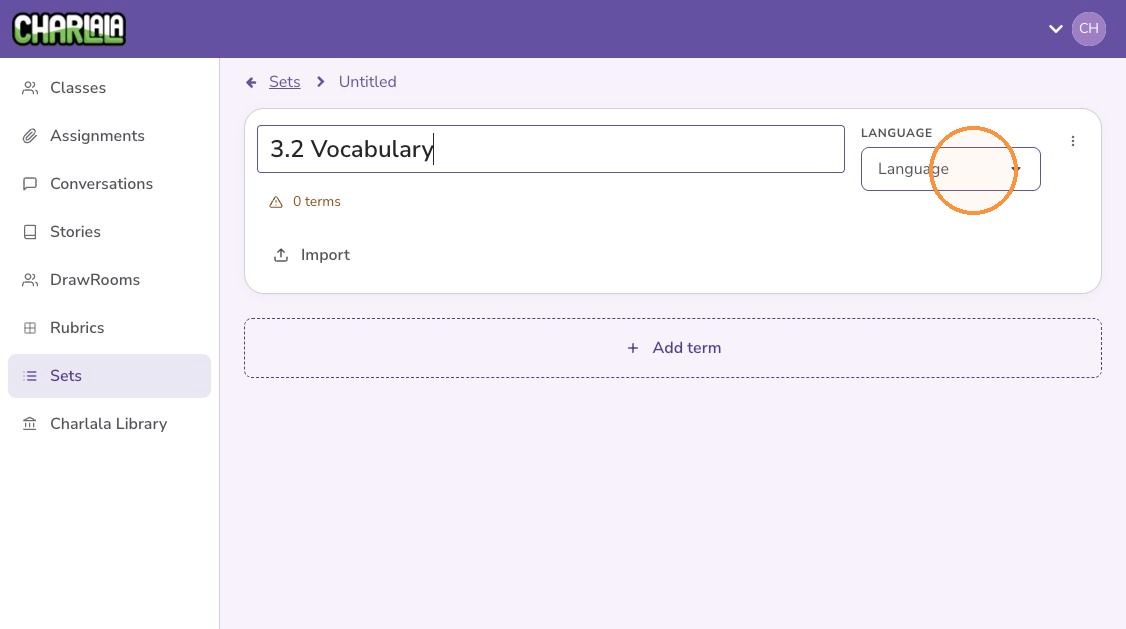
5. Click "Import"
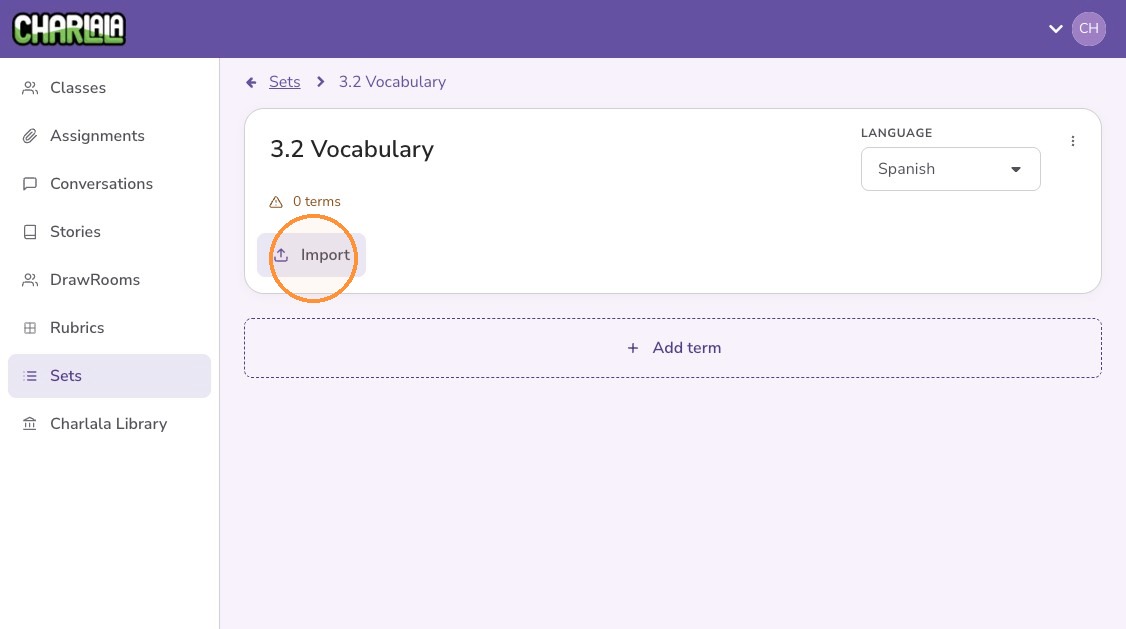
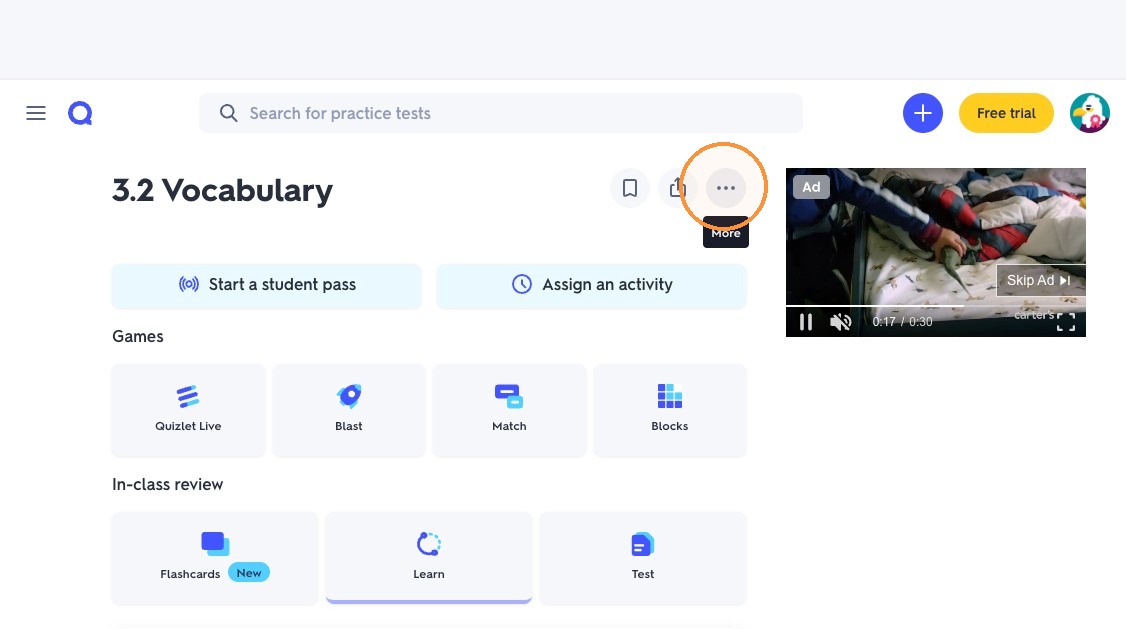
6. Switch to the your other resource with vocabulary sets and/or flashcards
7. Click the More options icon
8. Click "Export"
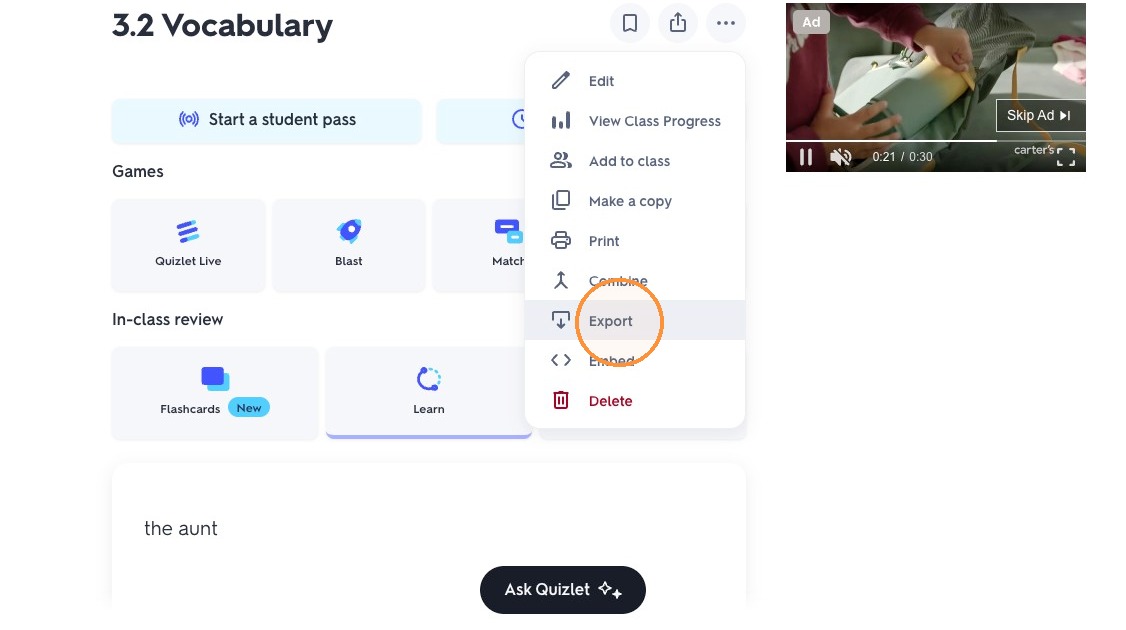
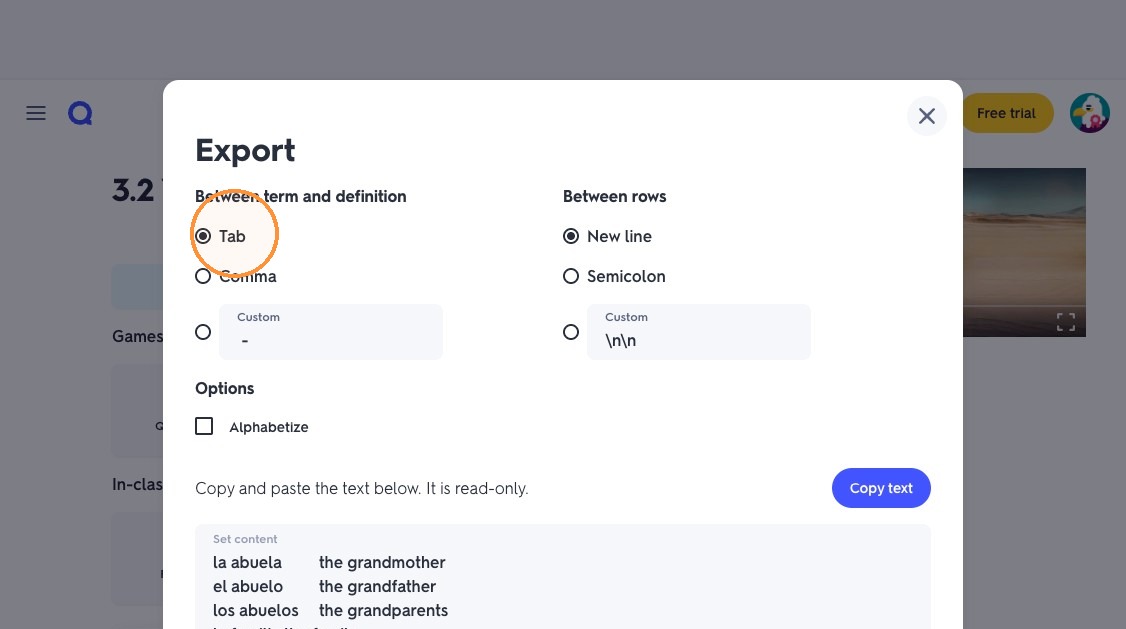
9. Keep the default "Tab" setting
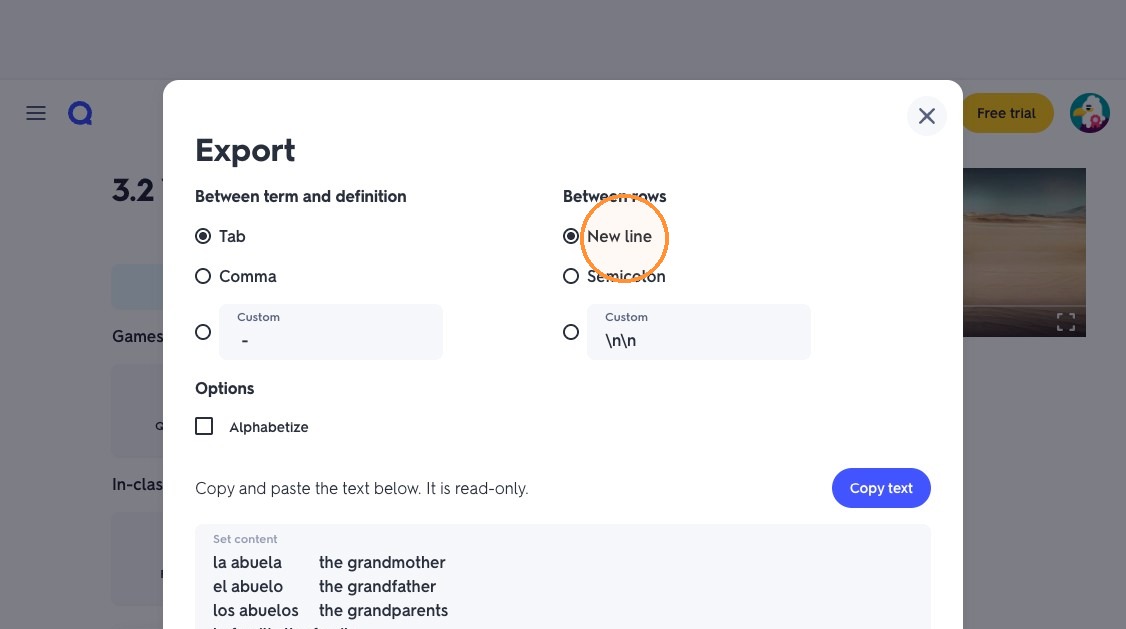
10. Keep the default "New line" setting
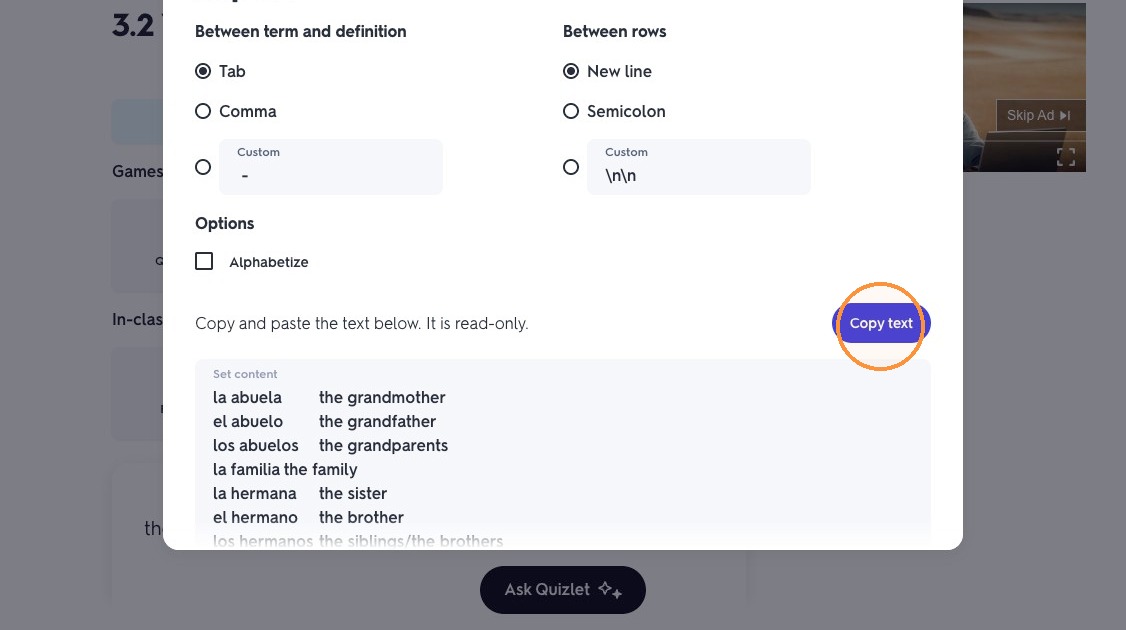
11. Click "Copy text"
12. Return to Charlala
13. Paste the text copied from the other resource
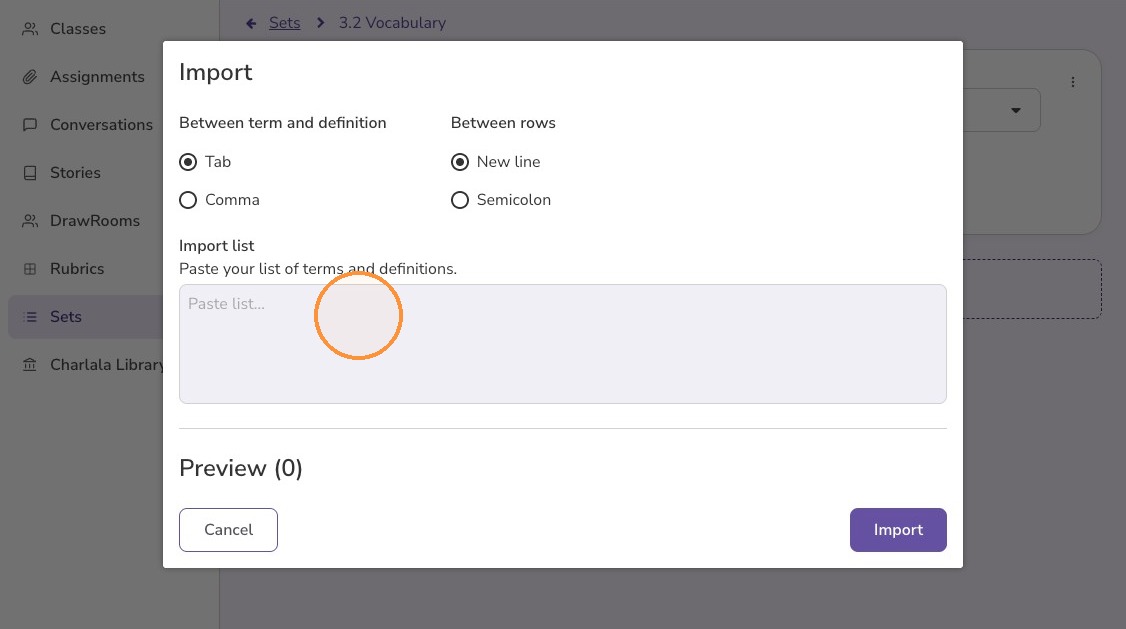
14. Click "Import"