How to Create a Class
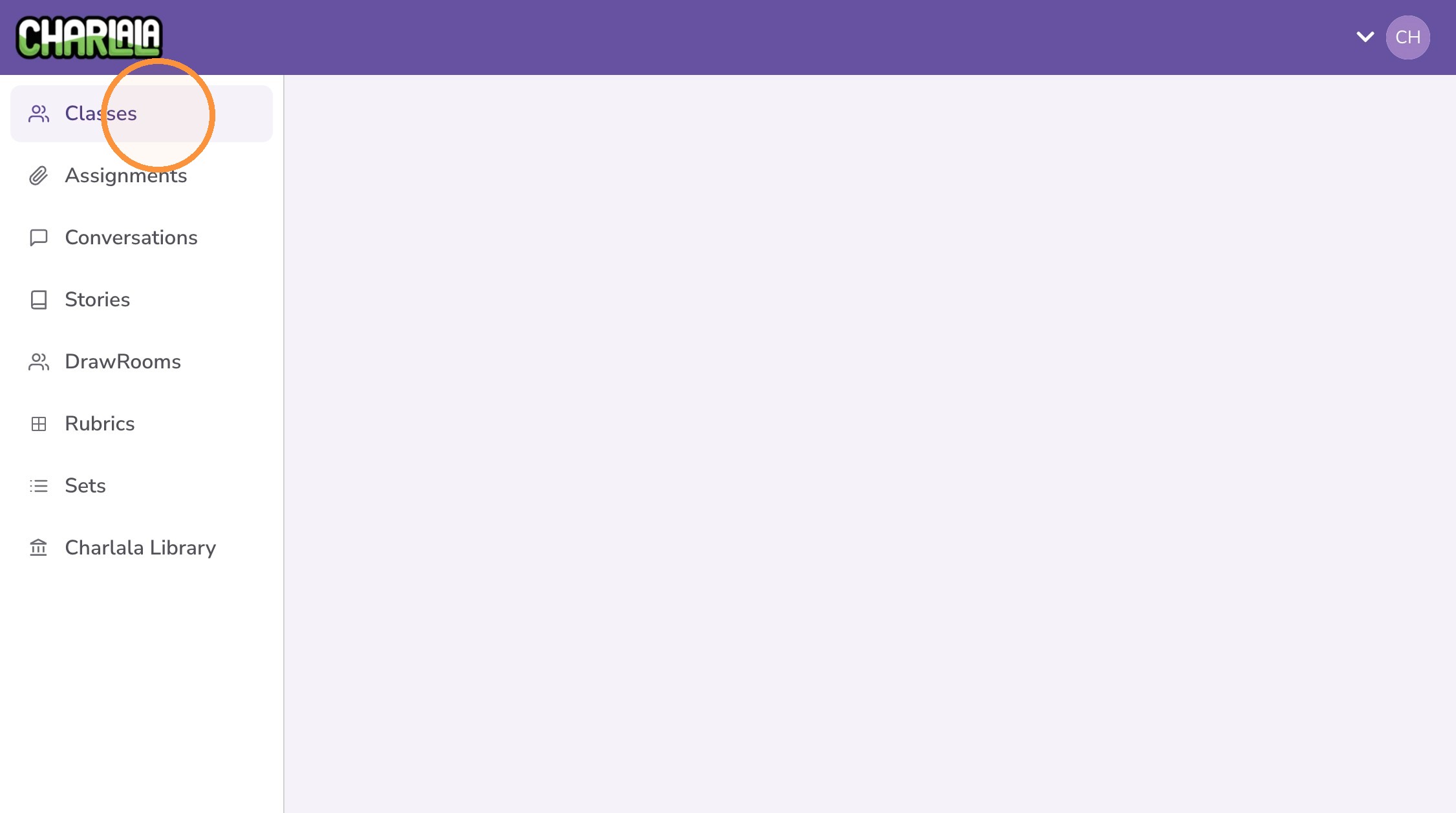
1. Log in and navigate to your account dashboard at https://charlala.com/dashboard.
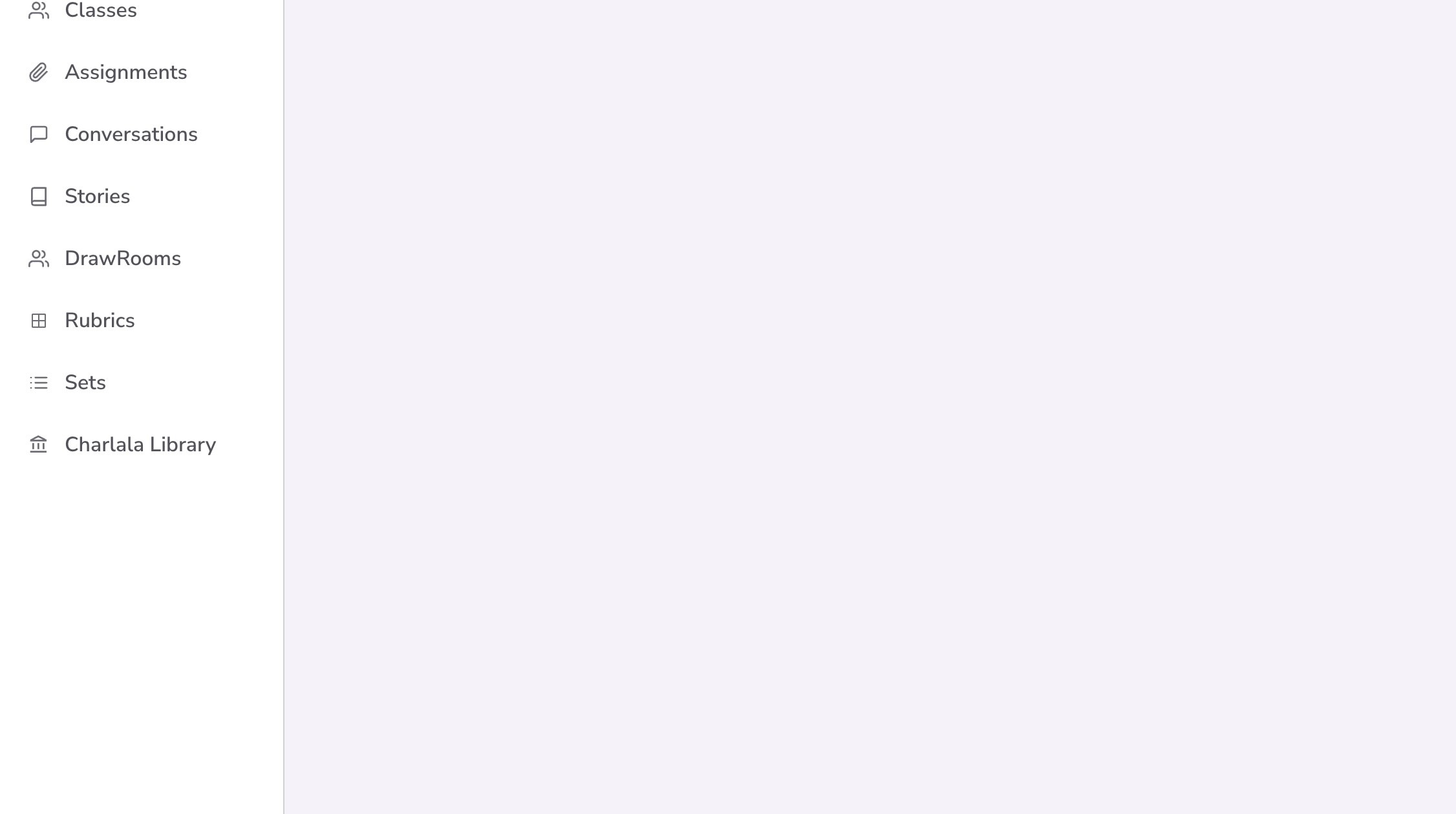
2. Click "Classes" from the left menu.
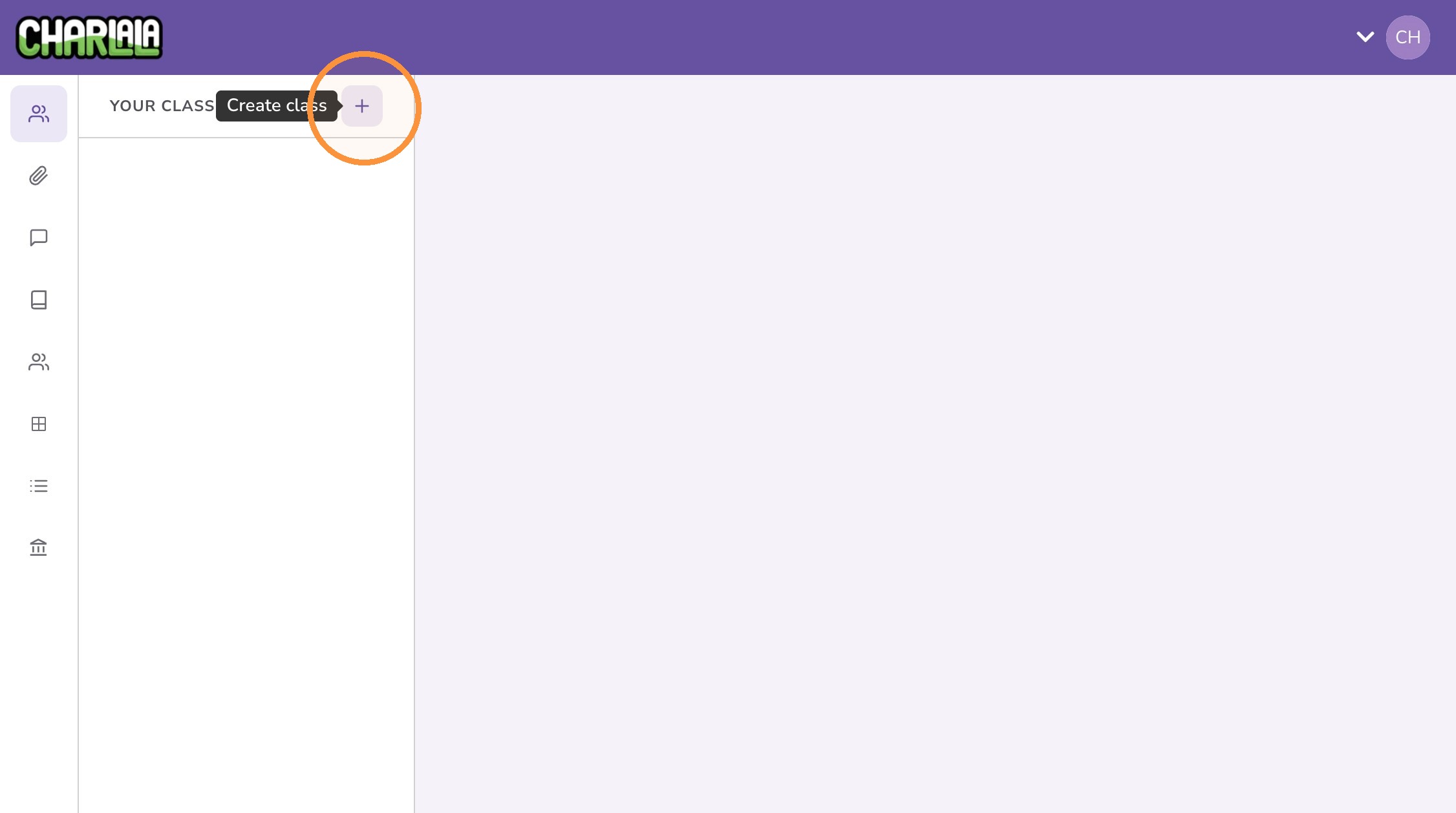
3. Click the "+" button.
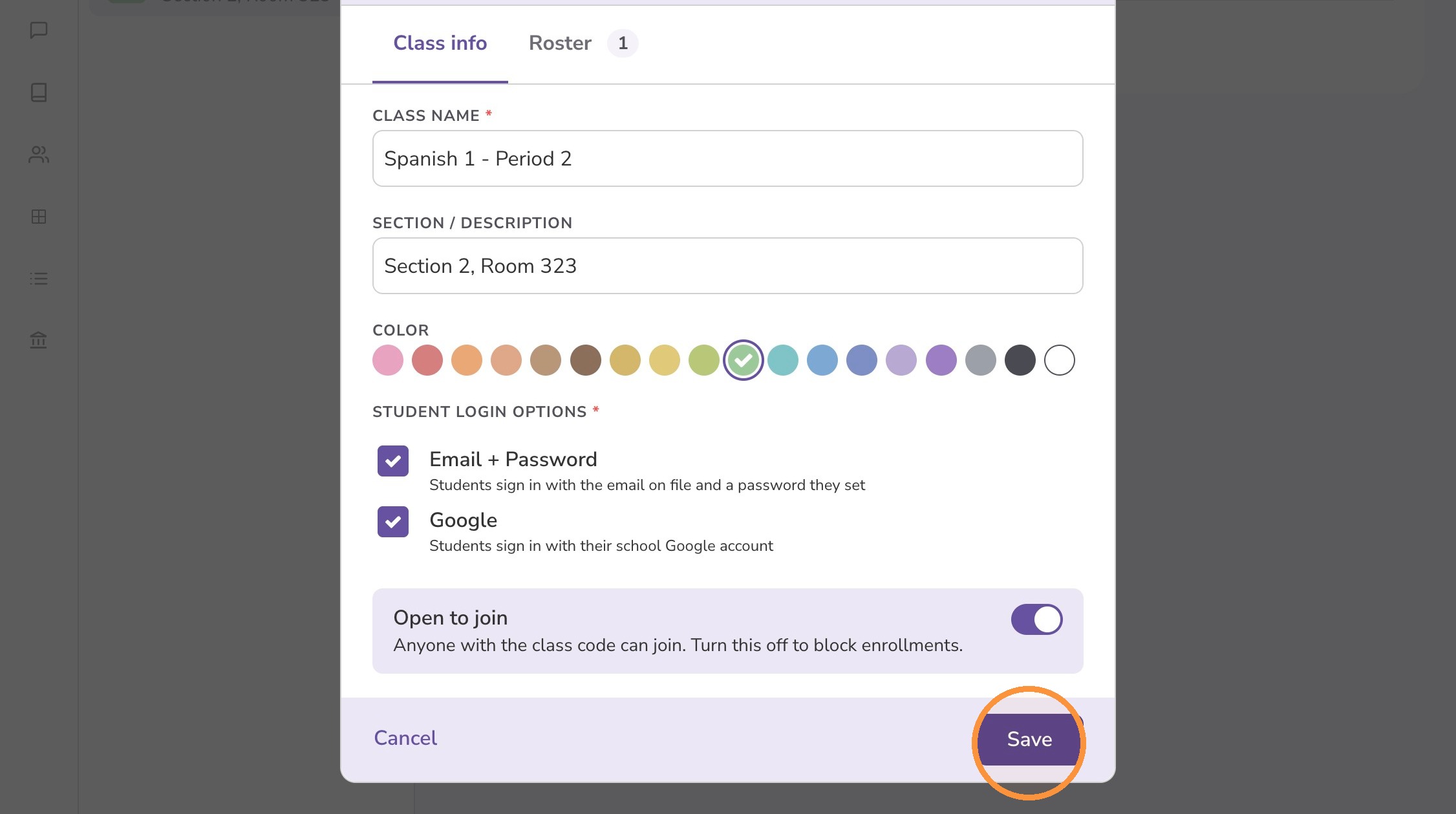
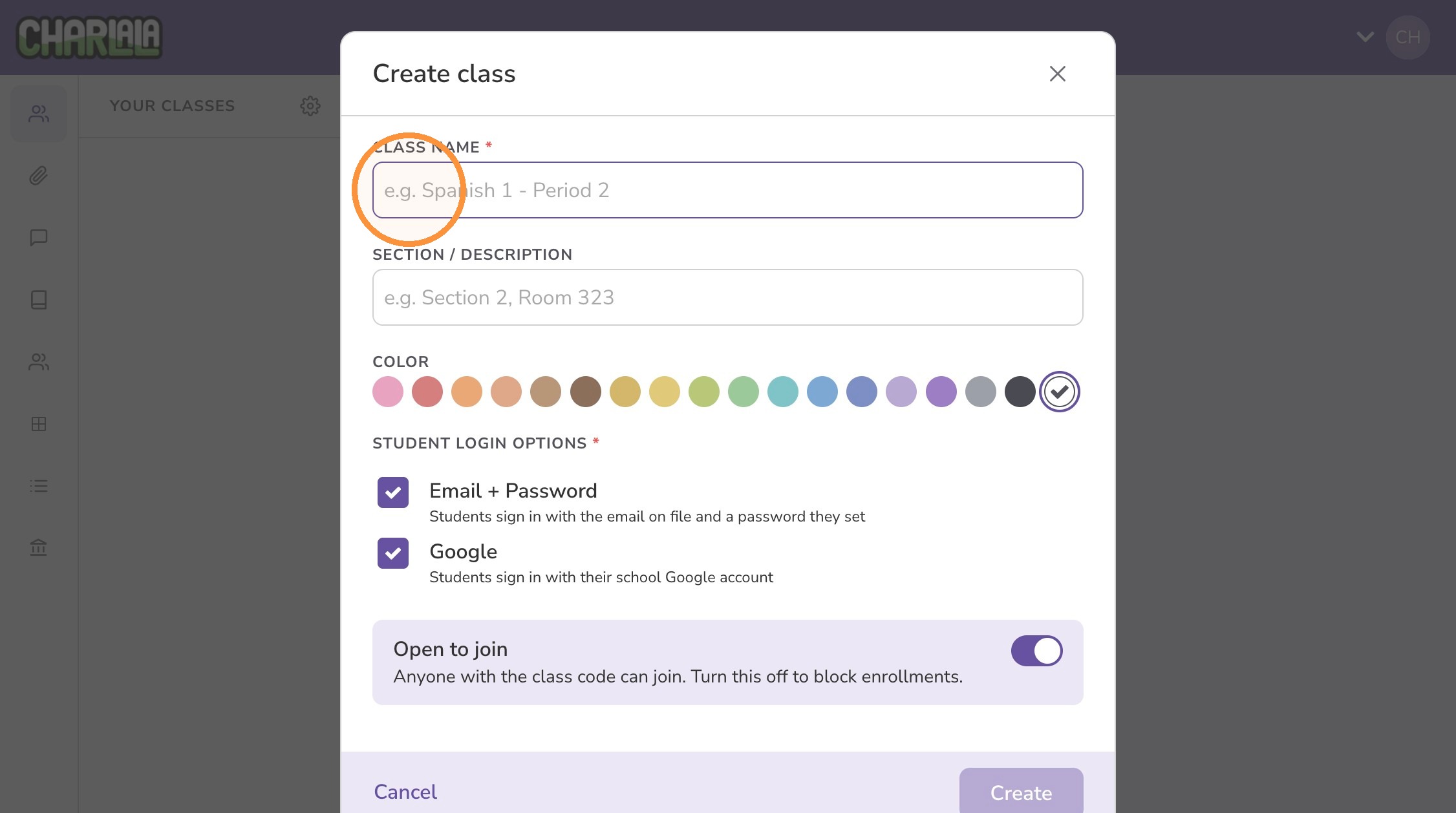
4. Enter a class name to identify the group. The class name is required and will be visible to students.
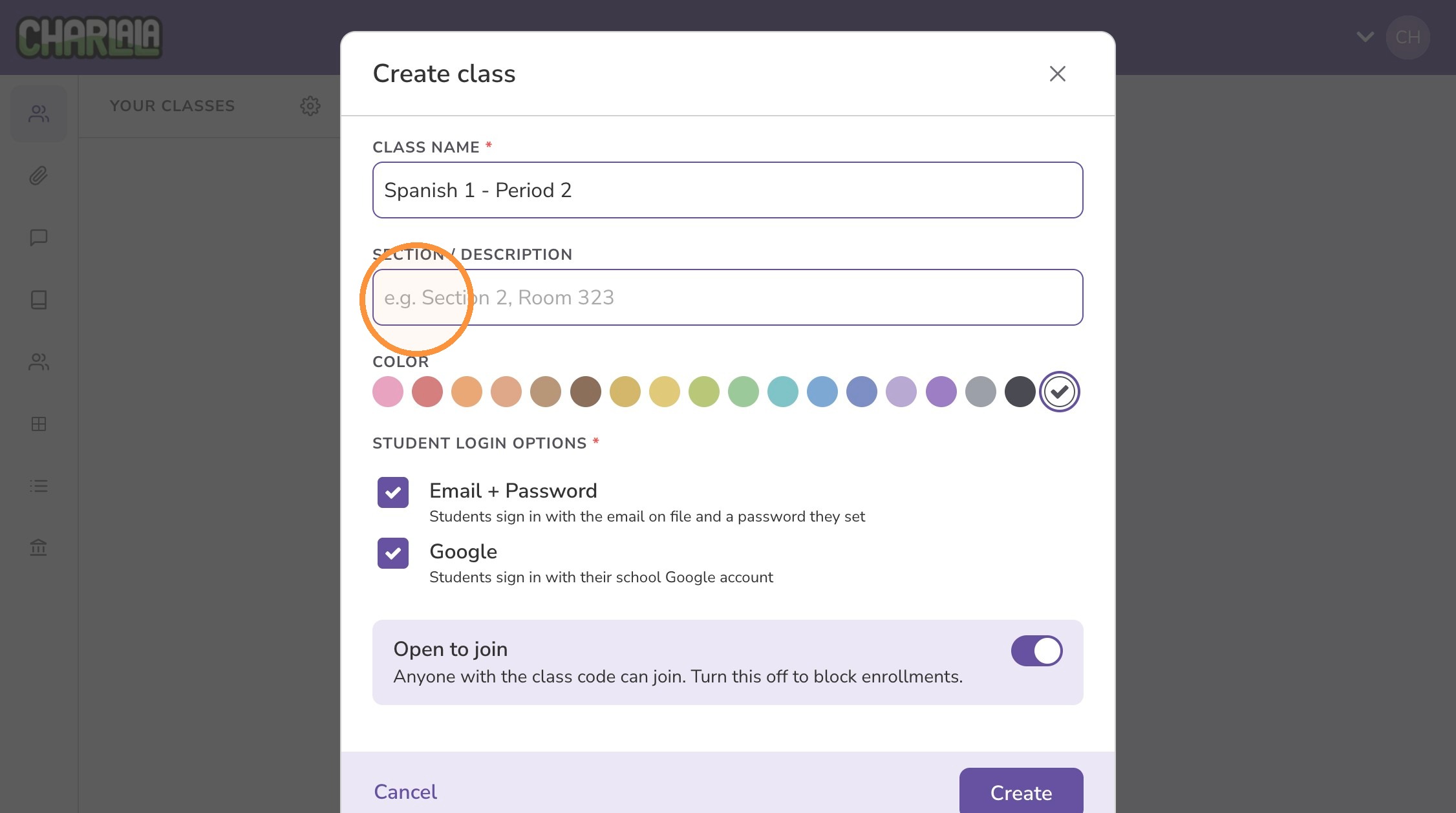
5. Optionally enter additional information about the class (e.g., section number, room number, course id). The class section/description is visible to students.
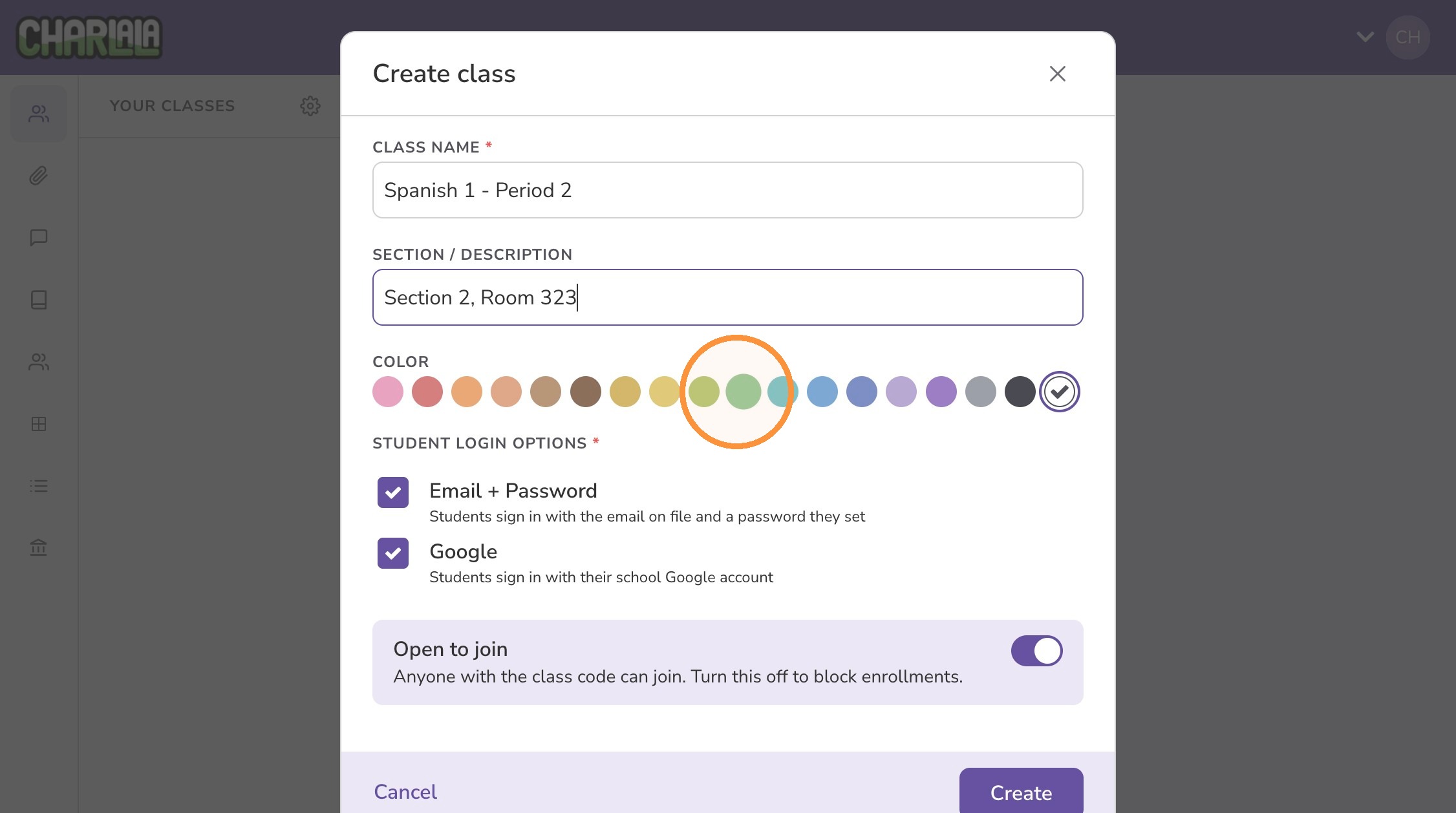
6. Select a class color to organize and easily identify the class.
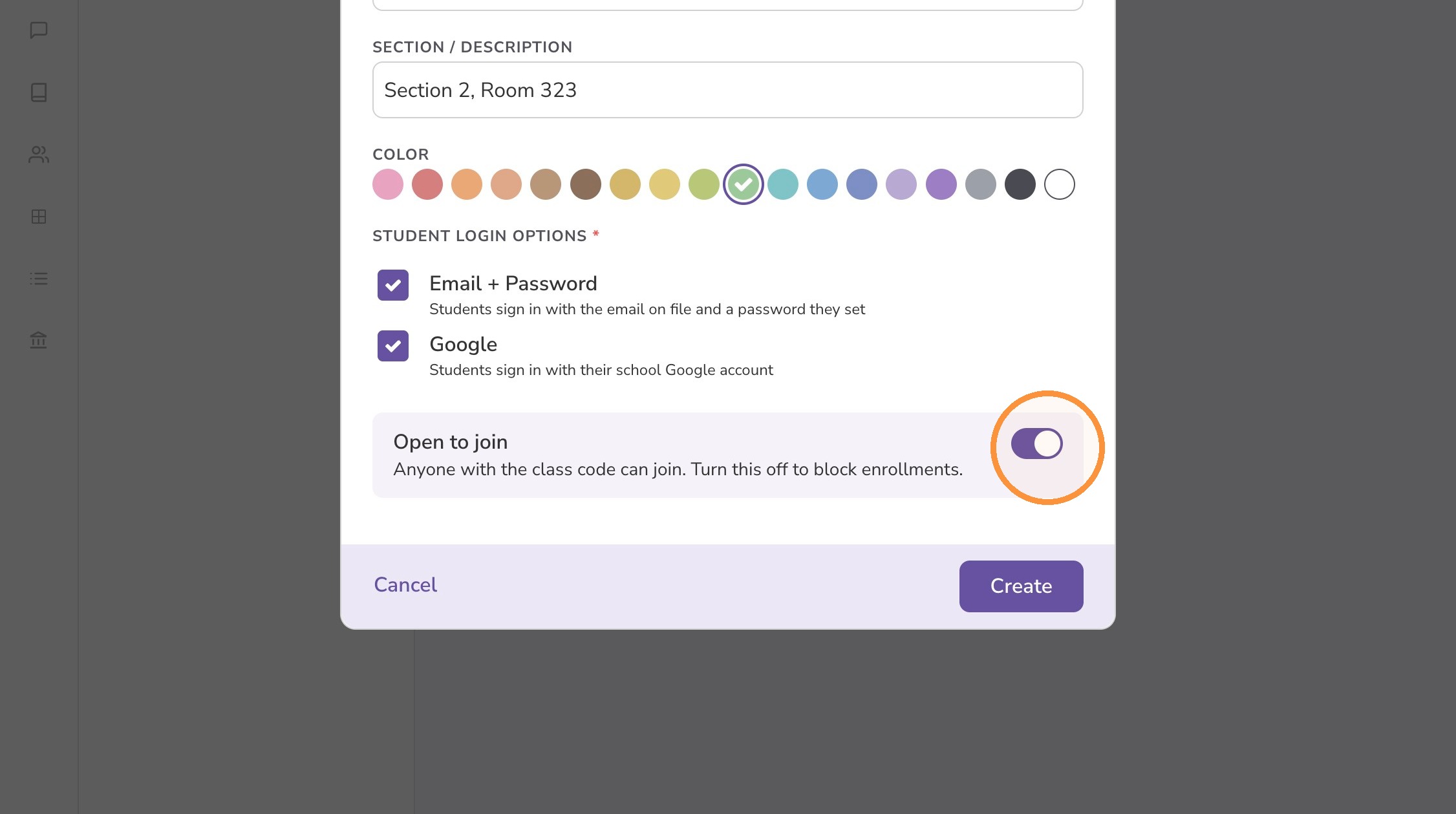
7. Select the method(s) that students will use to sign up/log in.
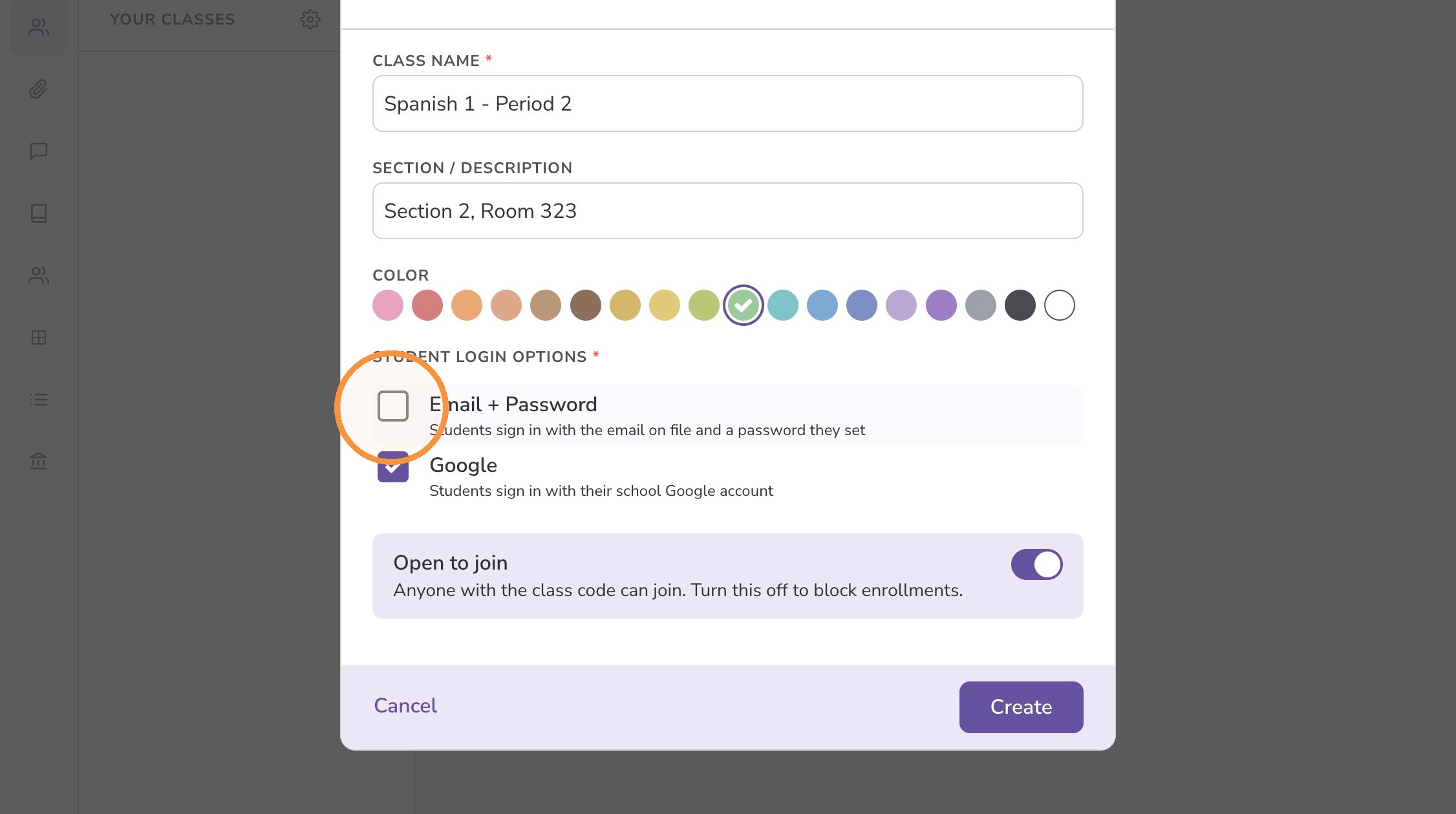
8. Open classes can be joined by any user with the access code. It's recommended to turn this setting off after students are enrolled.
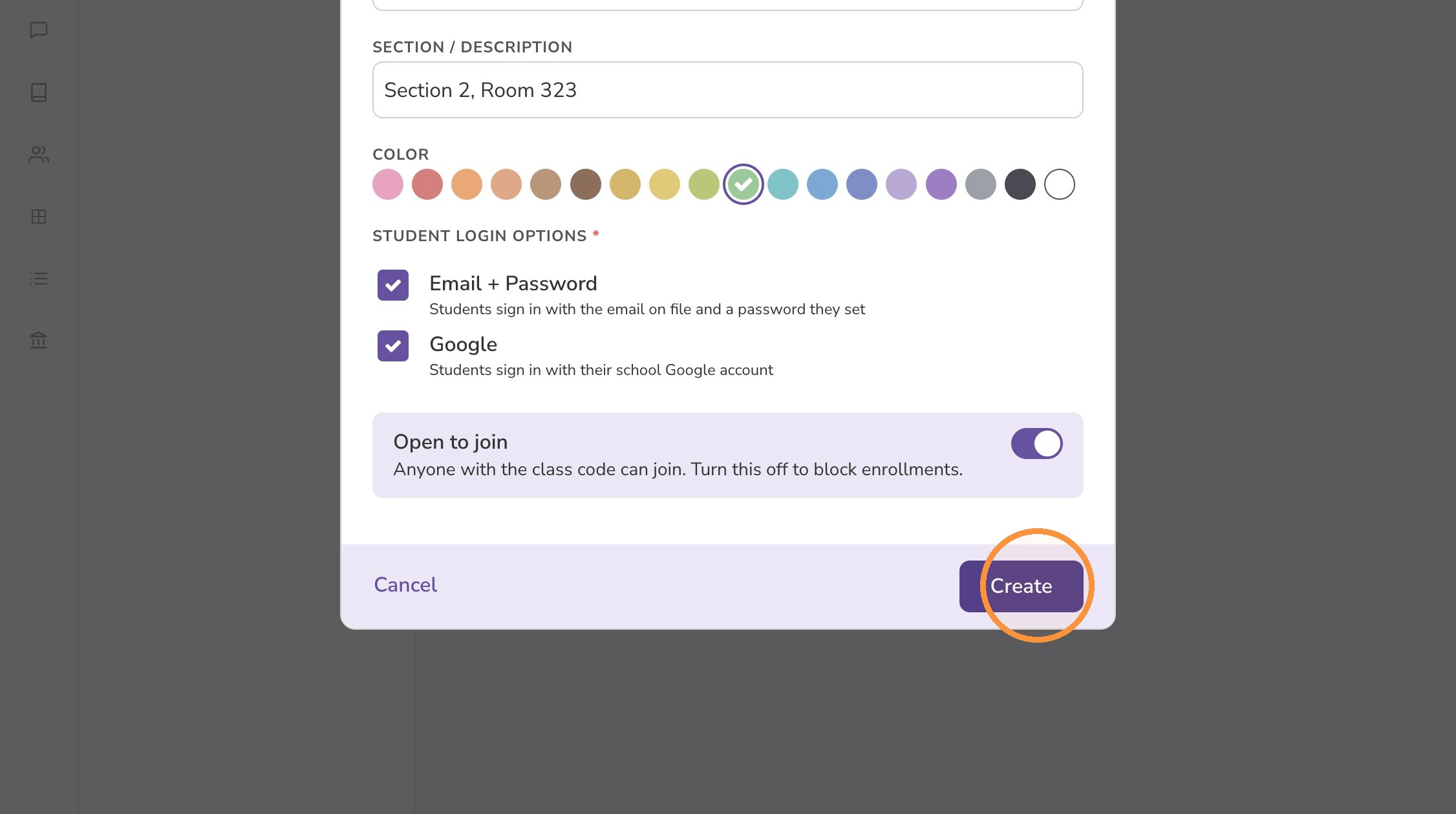
9. Click "Create"
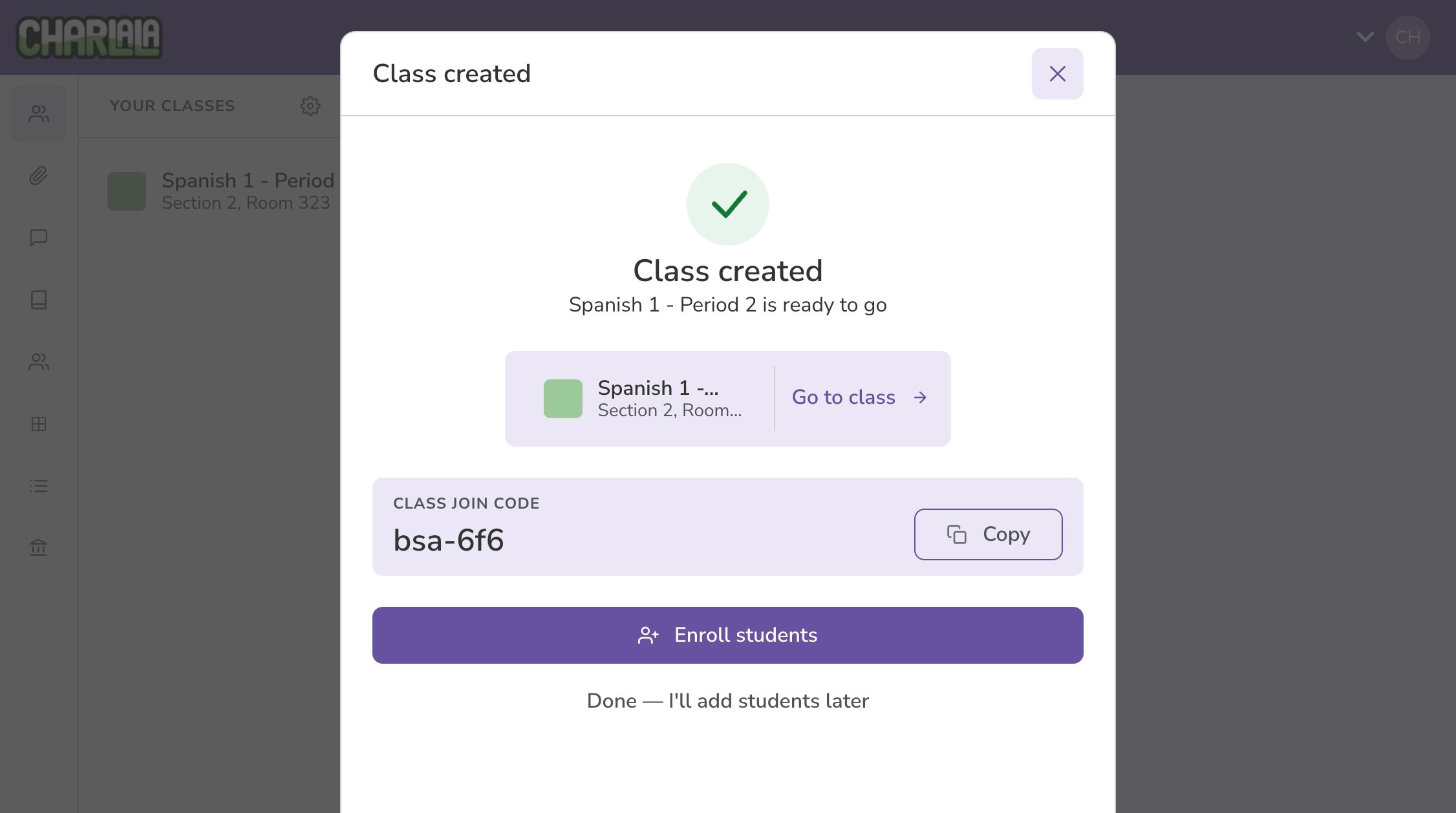
10. Congratulations! You created a class to organize your students and assignments.
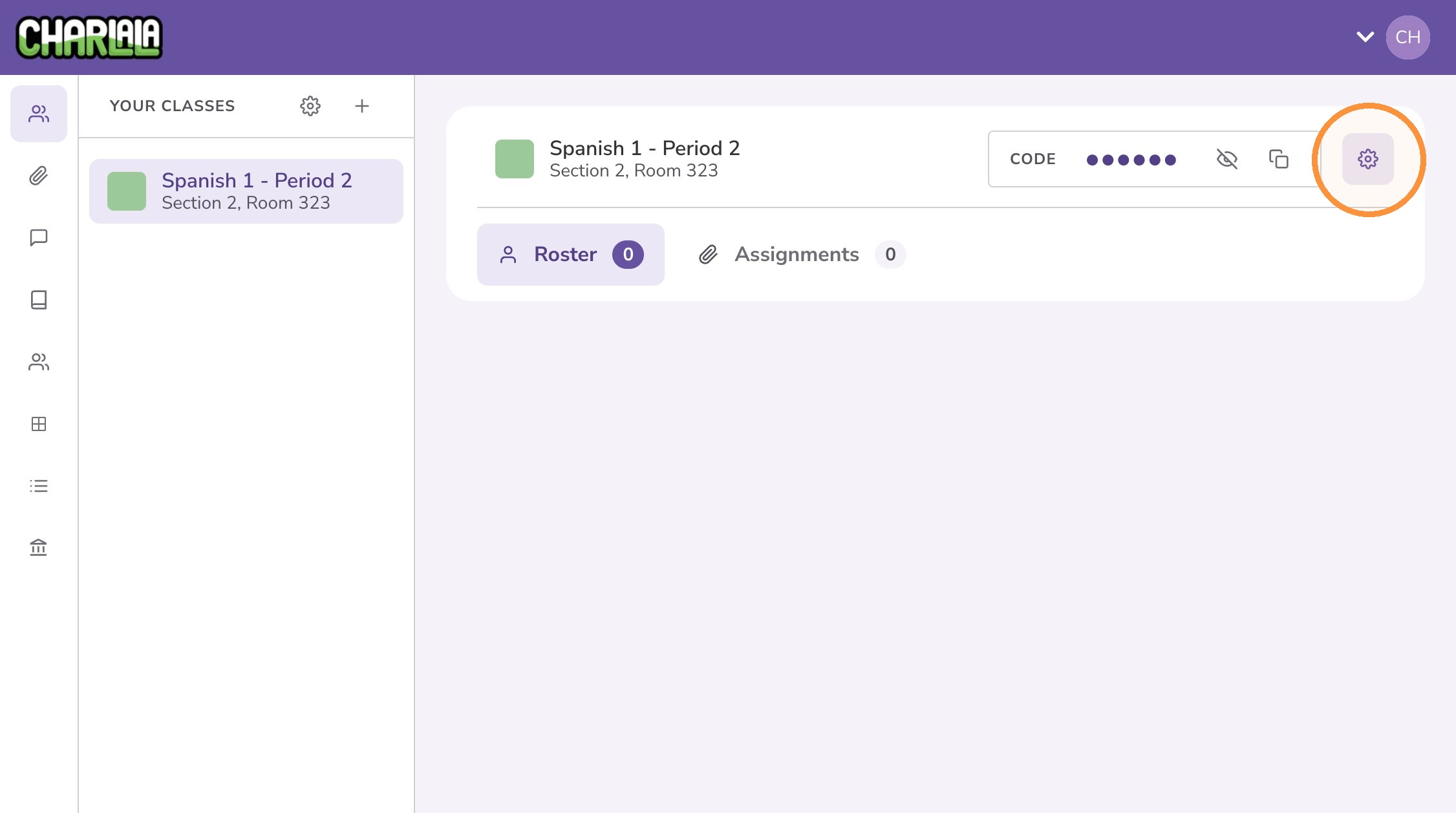
11. To revisit the class settings later, click the class in the left menu.
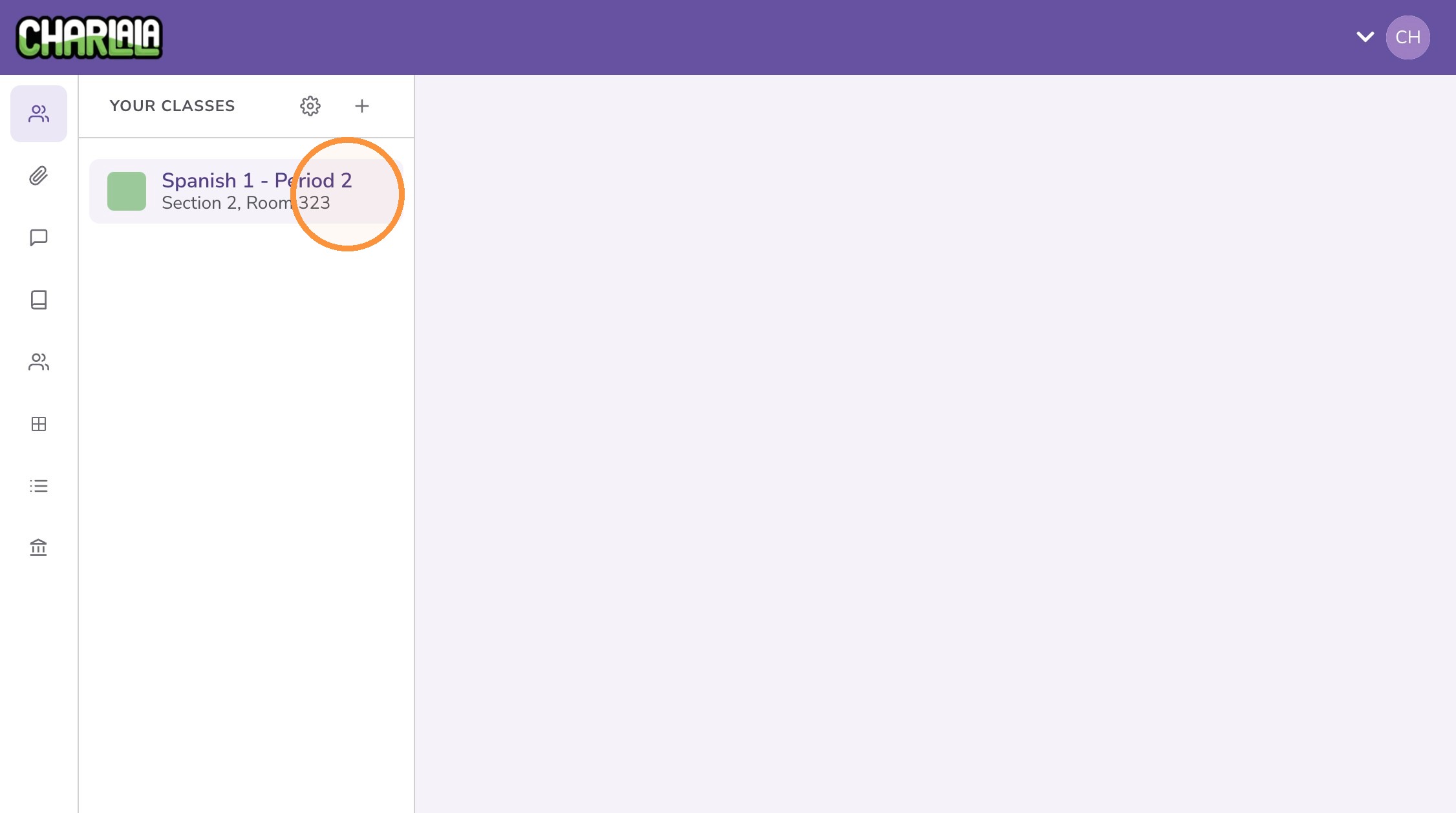
12. Click the "⚙️" button for settings.
13. Make adjustments and click "Save"