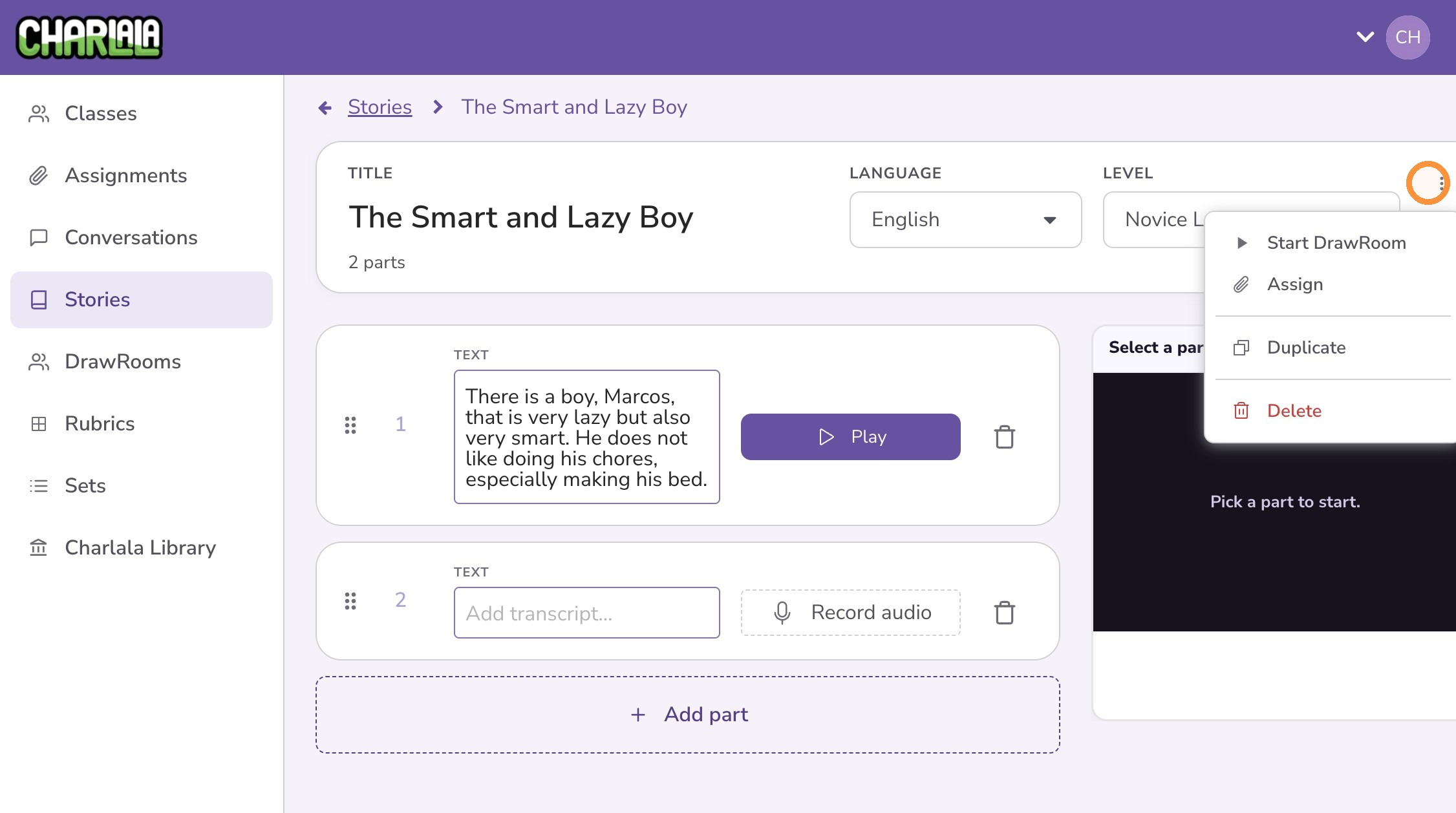
How to Create a Story
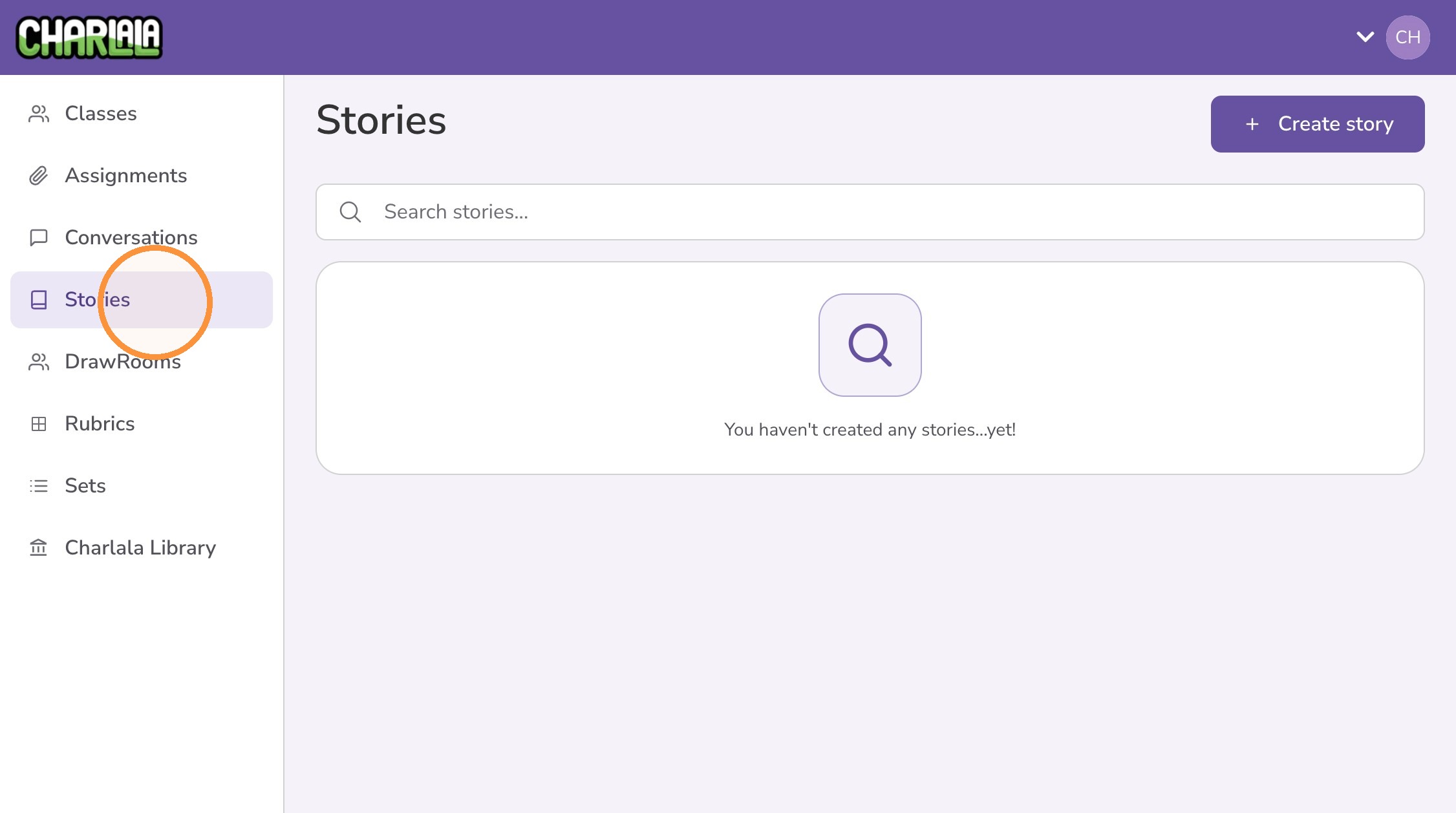
1. Click "Stories" from the left menu.
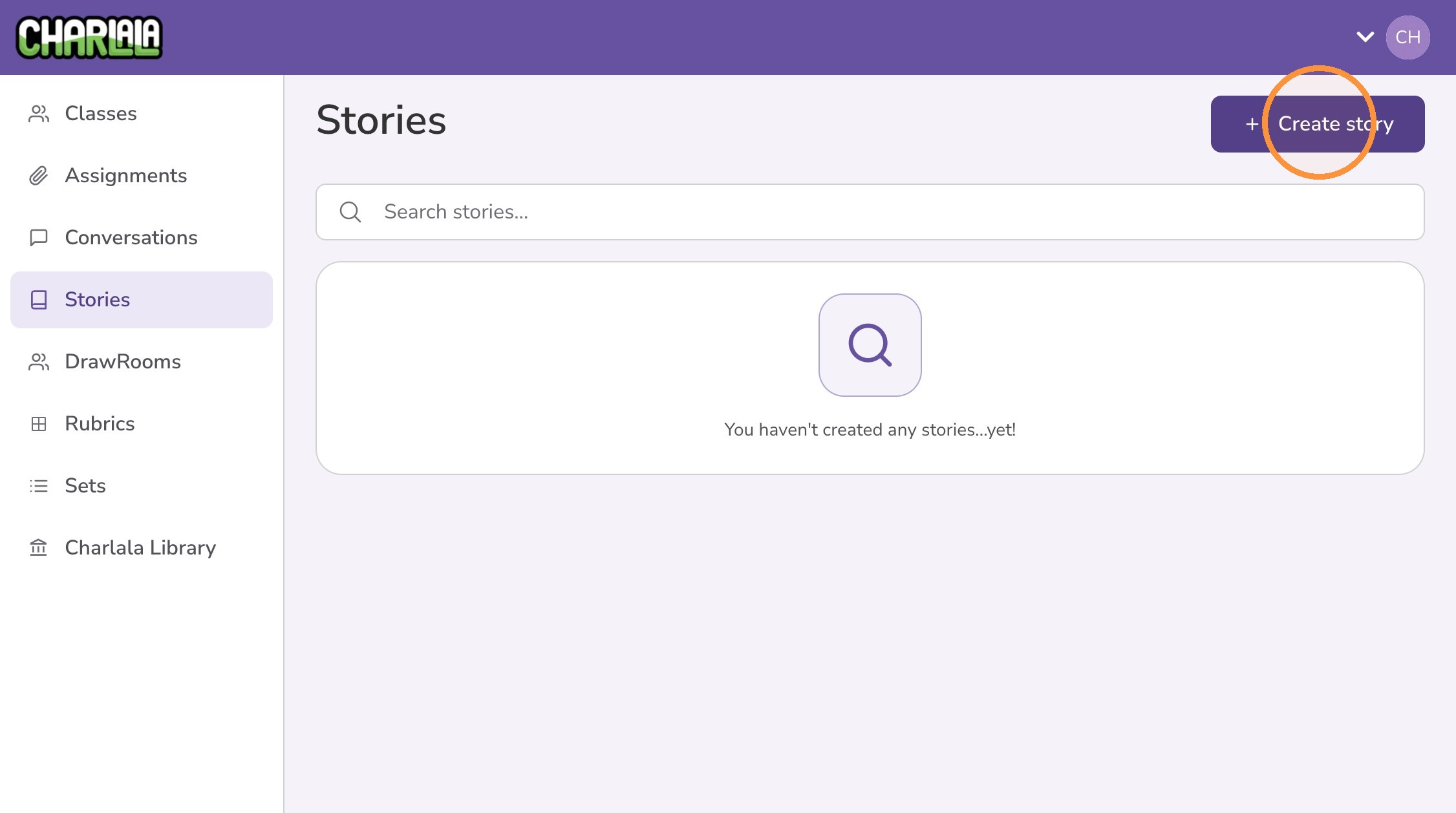
2. Click "Create story"
3. Give the story a title.
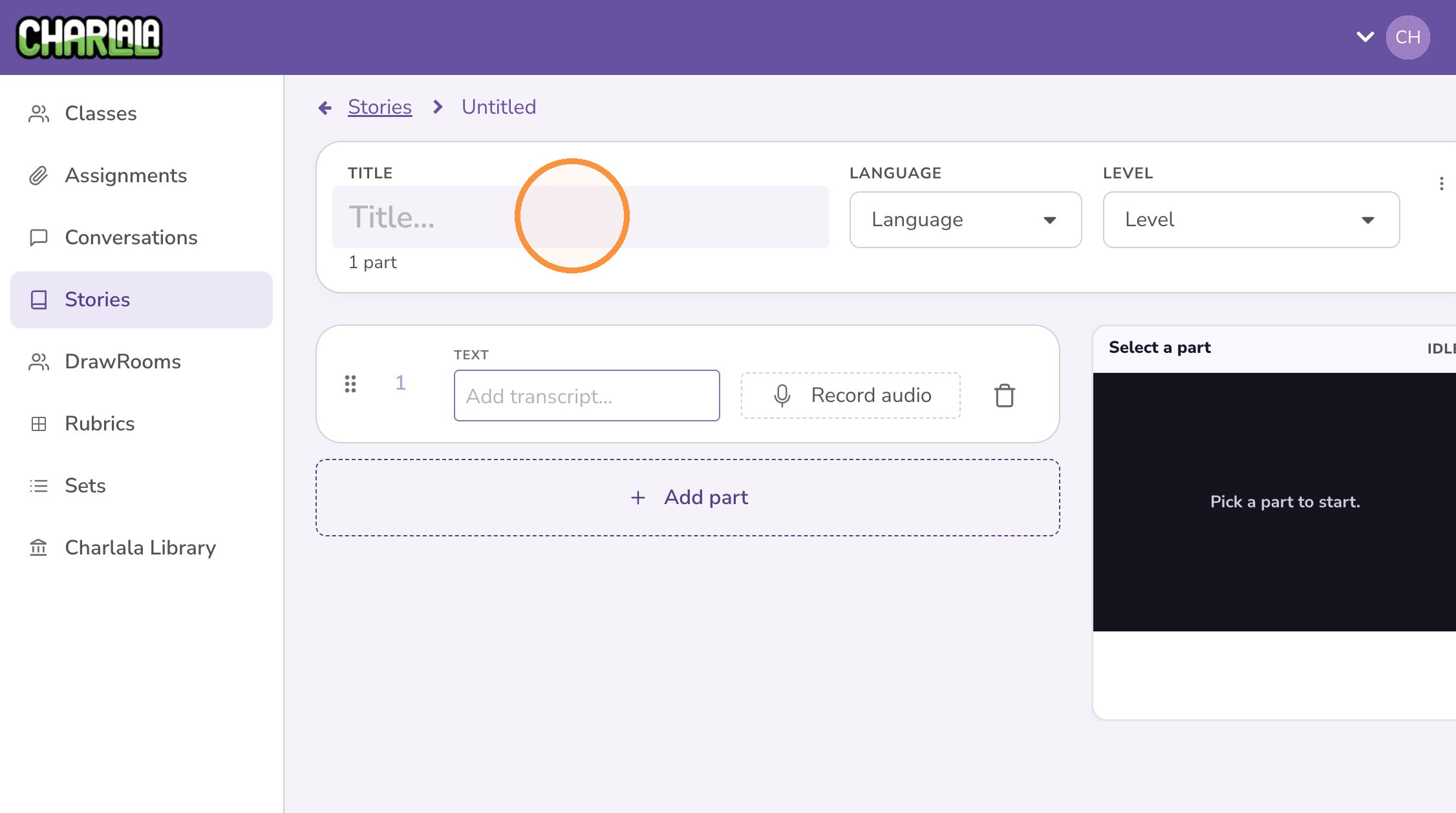
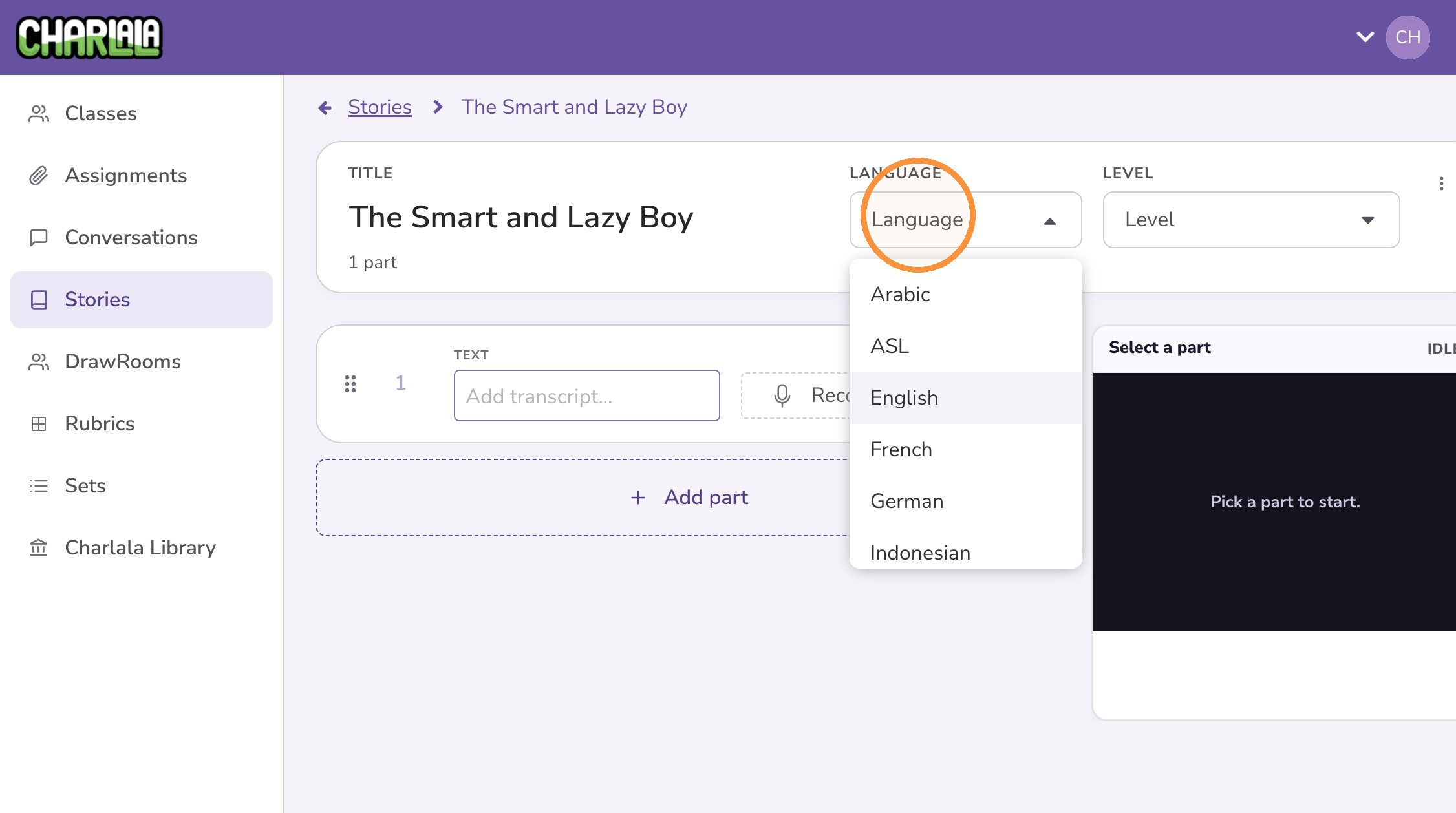
4. Optionally set the content language.
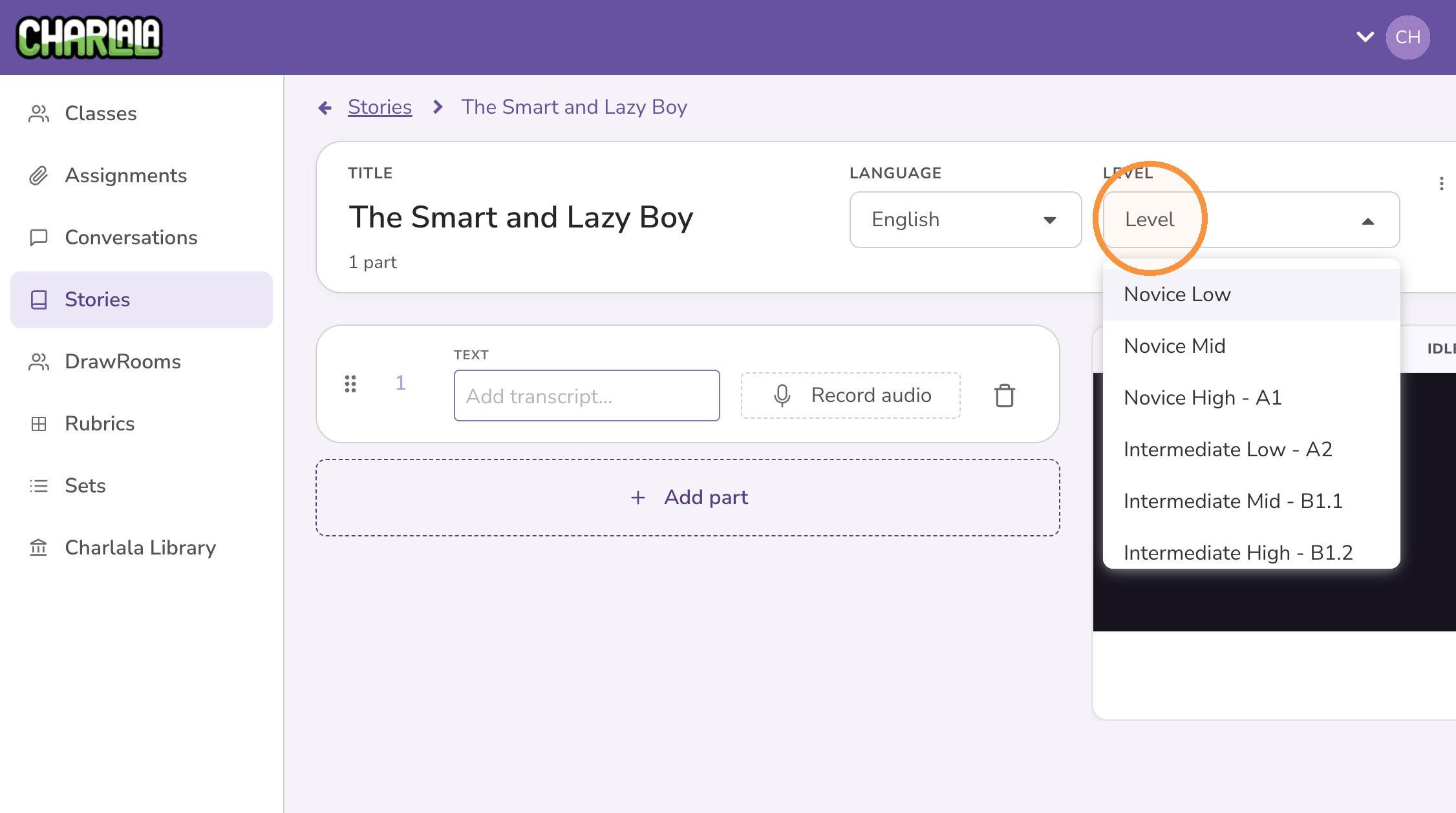
5. Optionally set the content level.
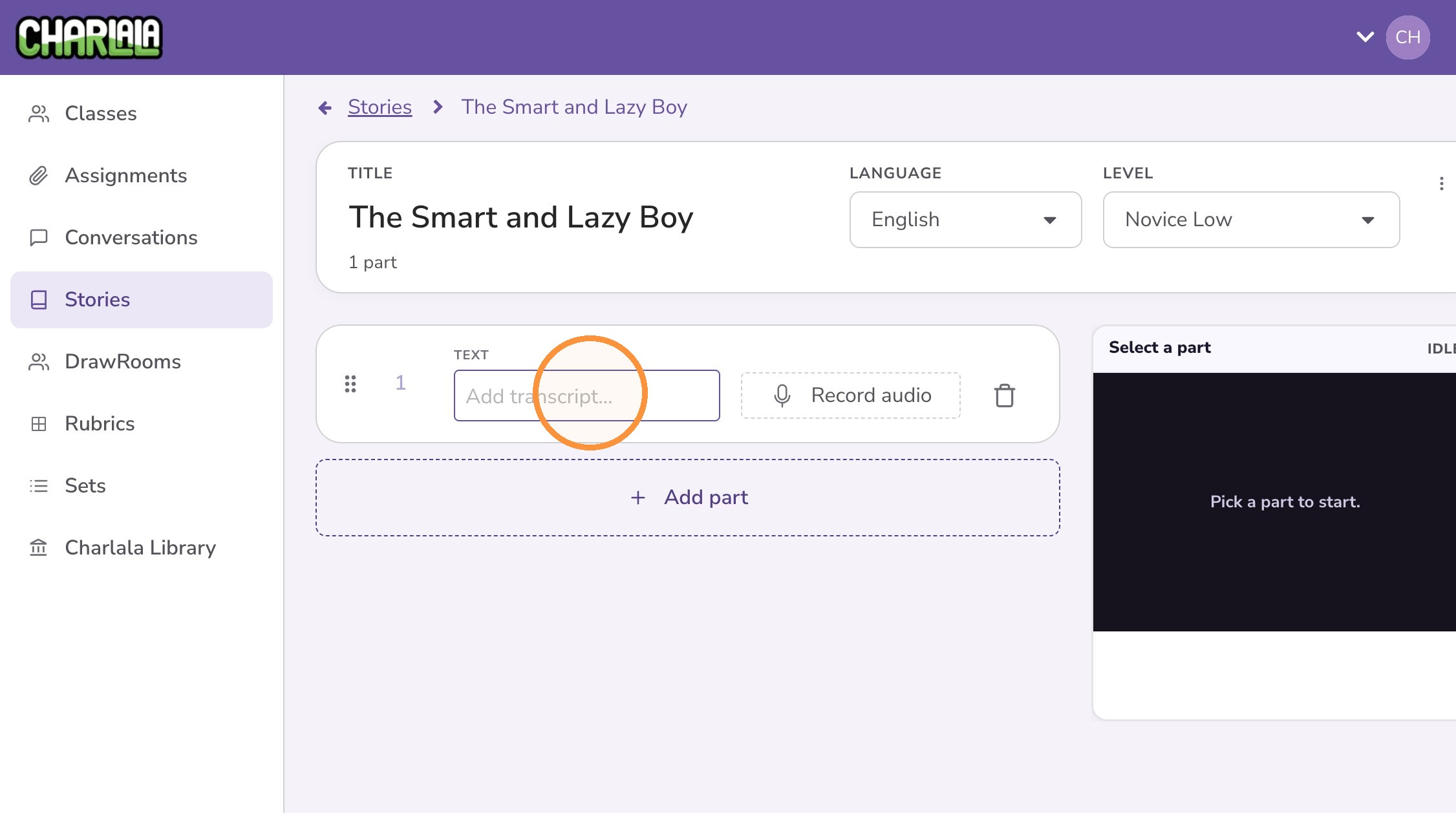
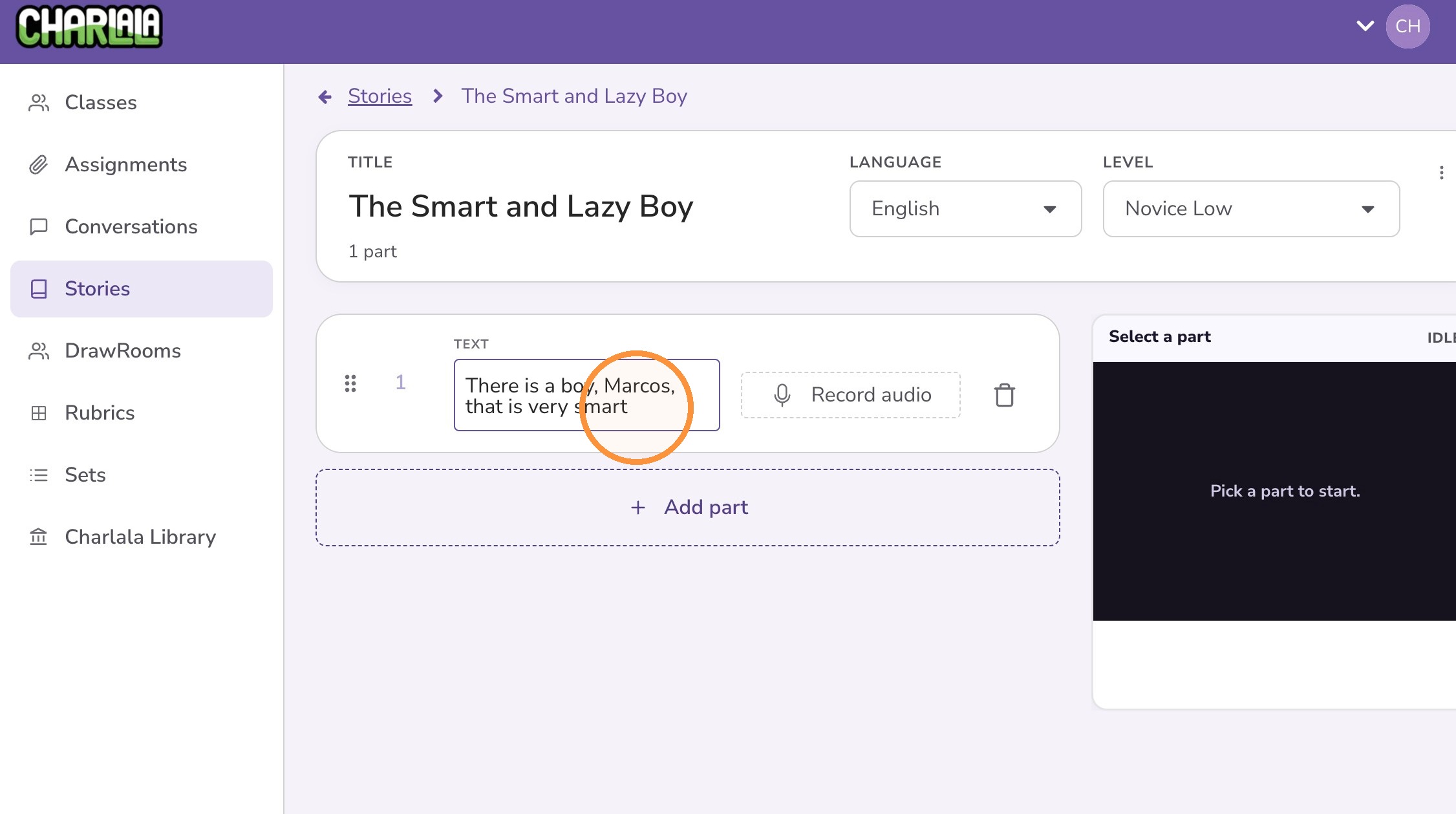
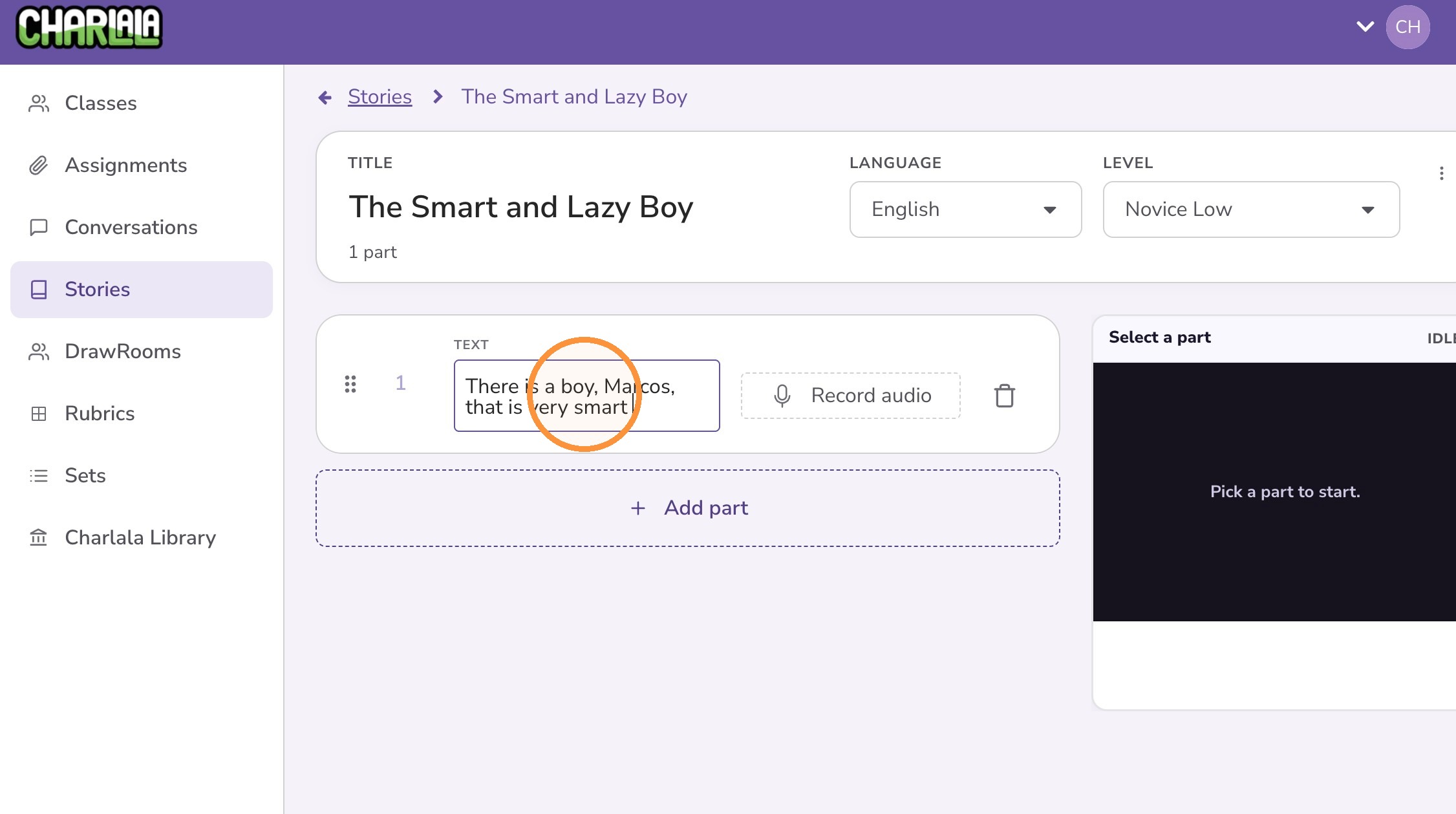
6. Write the text for the part of the story.
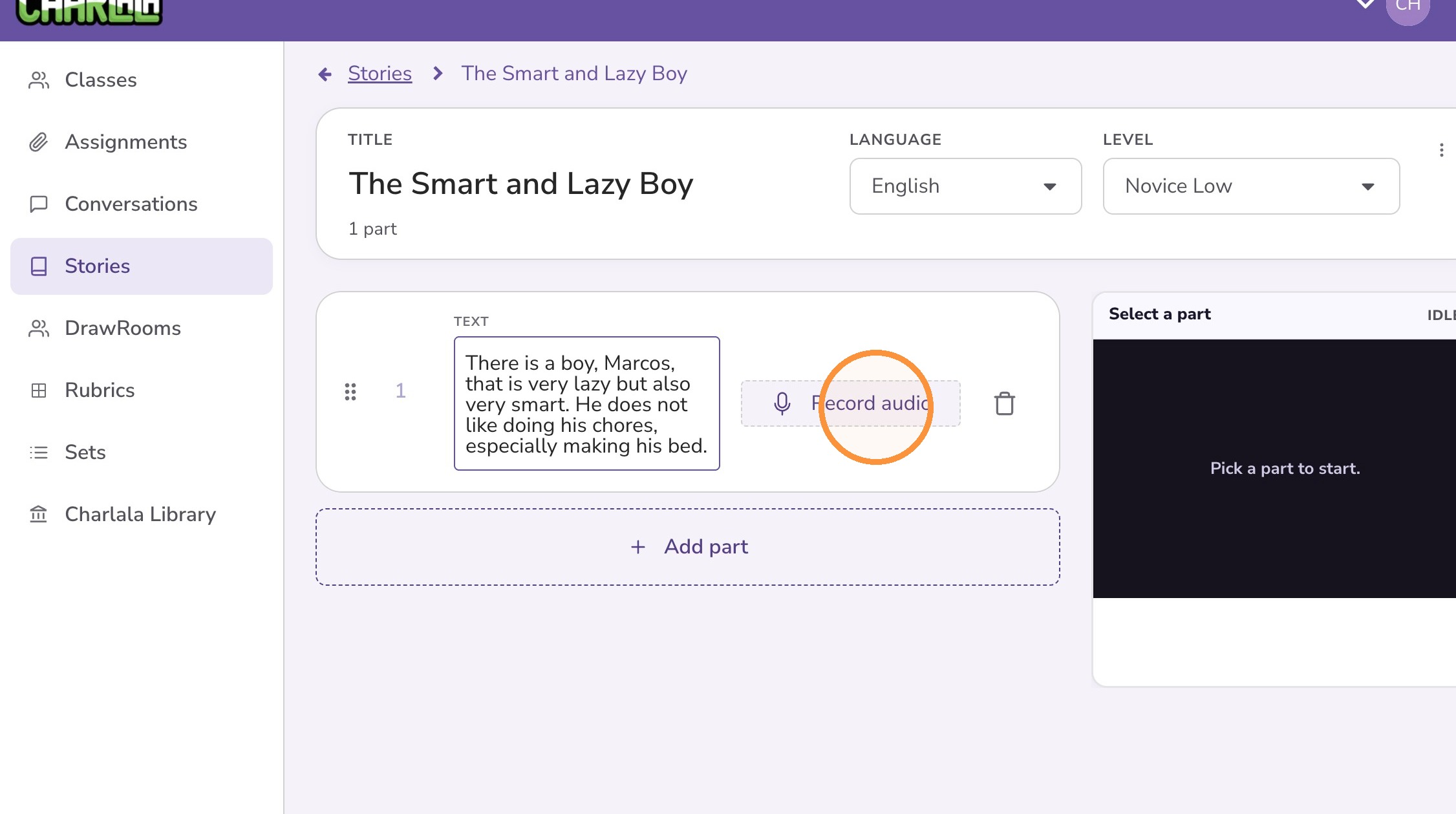
7. Optionally click "Record audio" to record the audio for the part of the story.
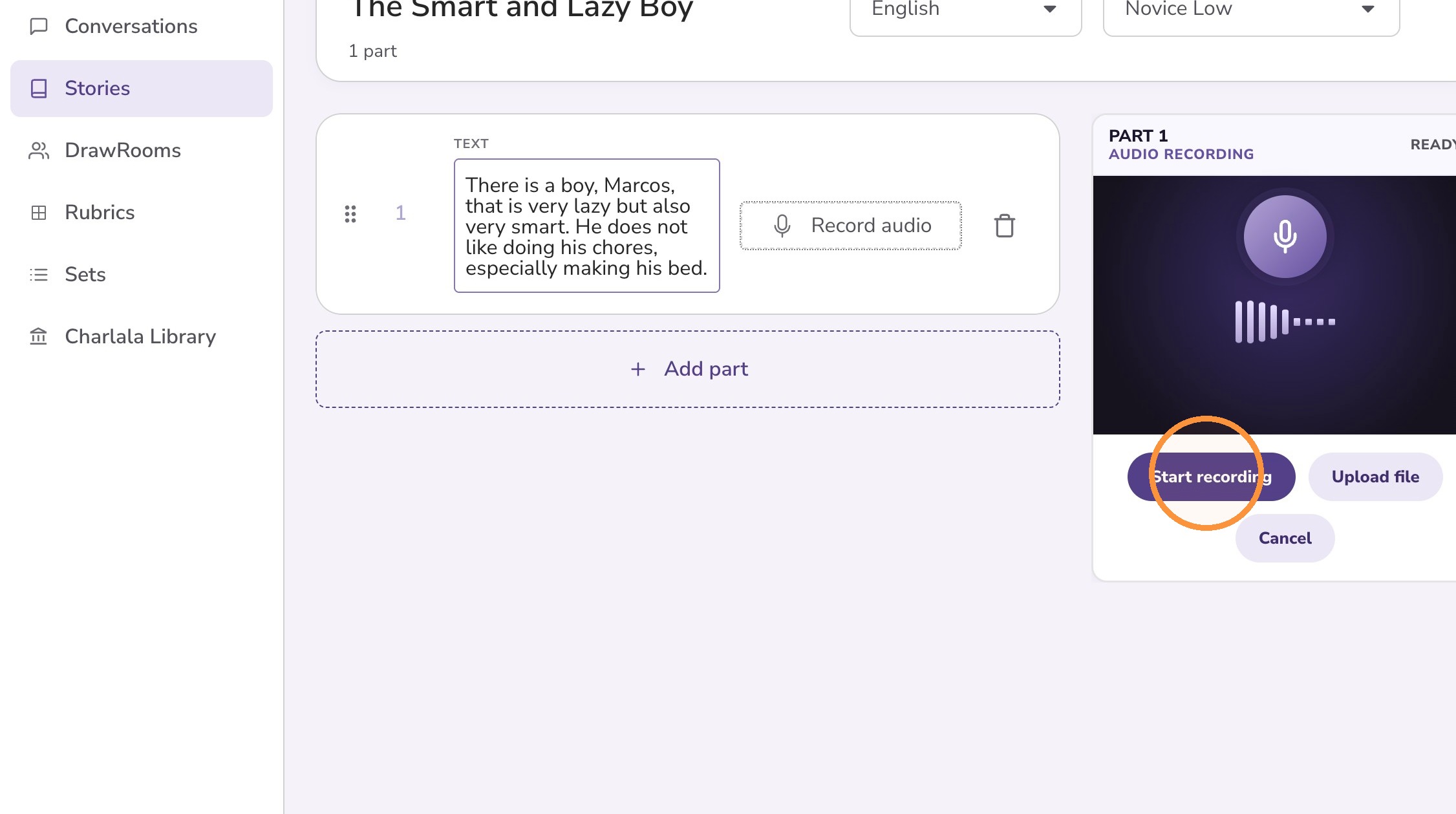
8. Click "Start recording"
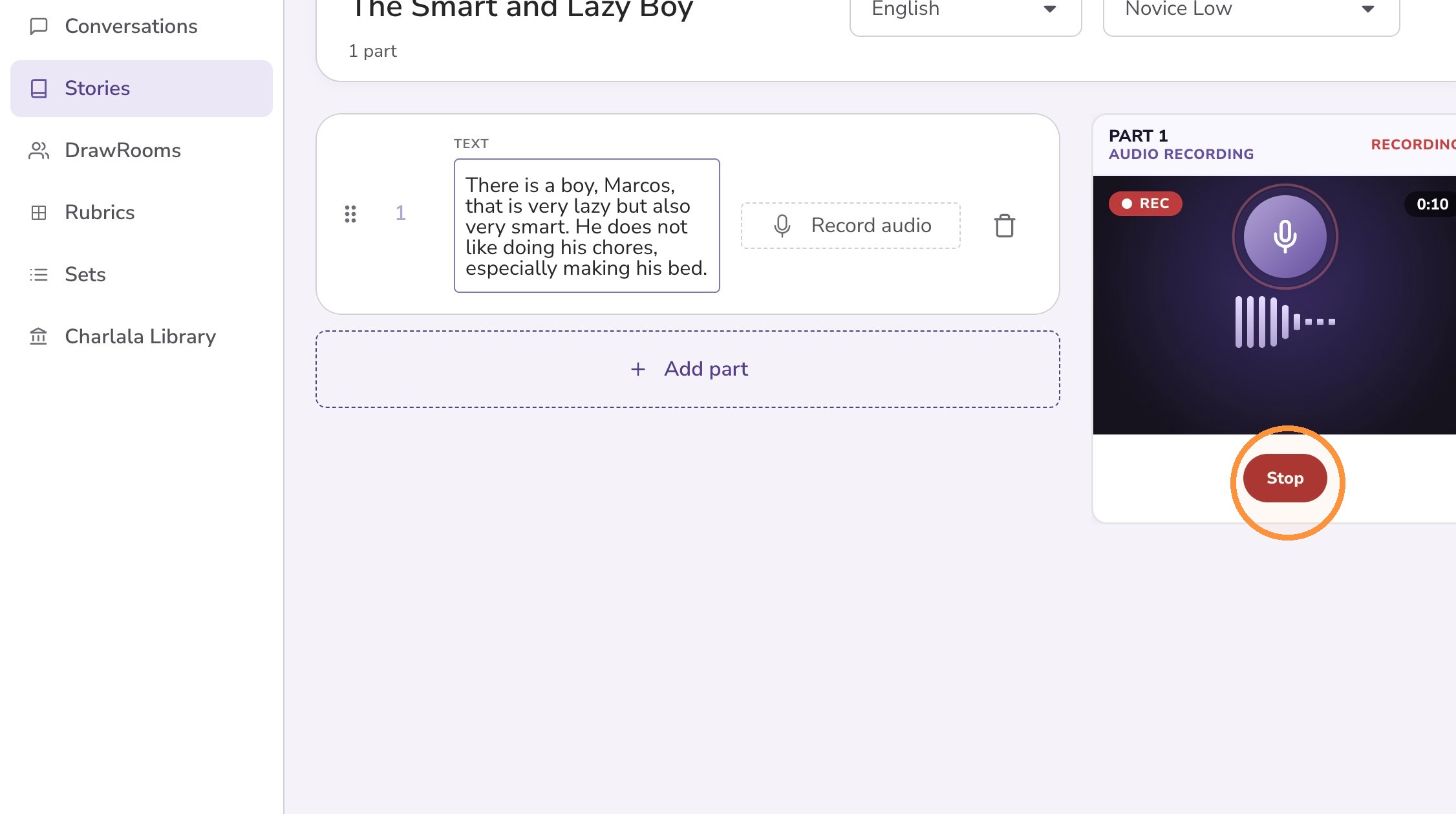
9. Read the text and click "Stop"
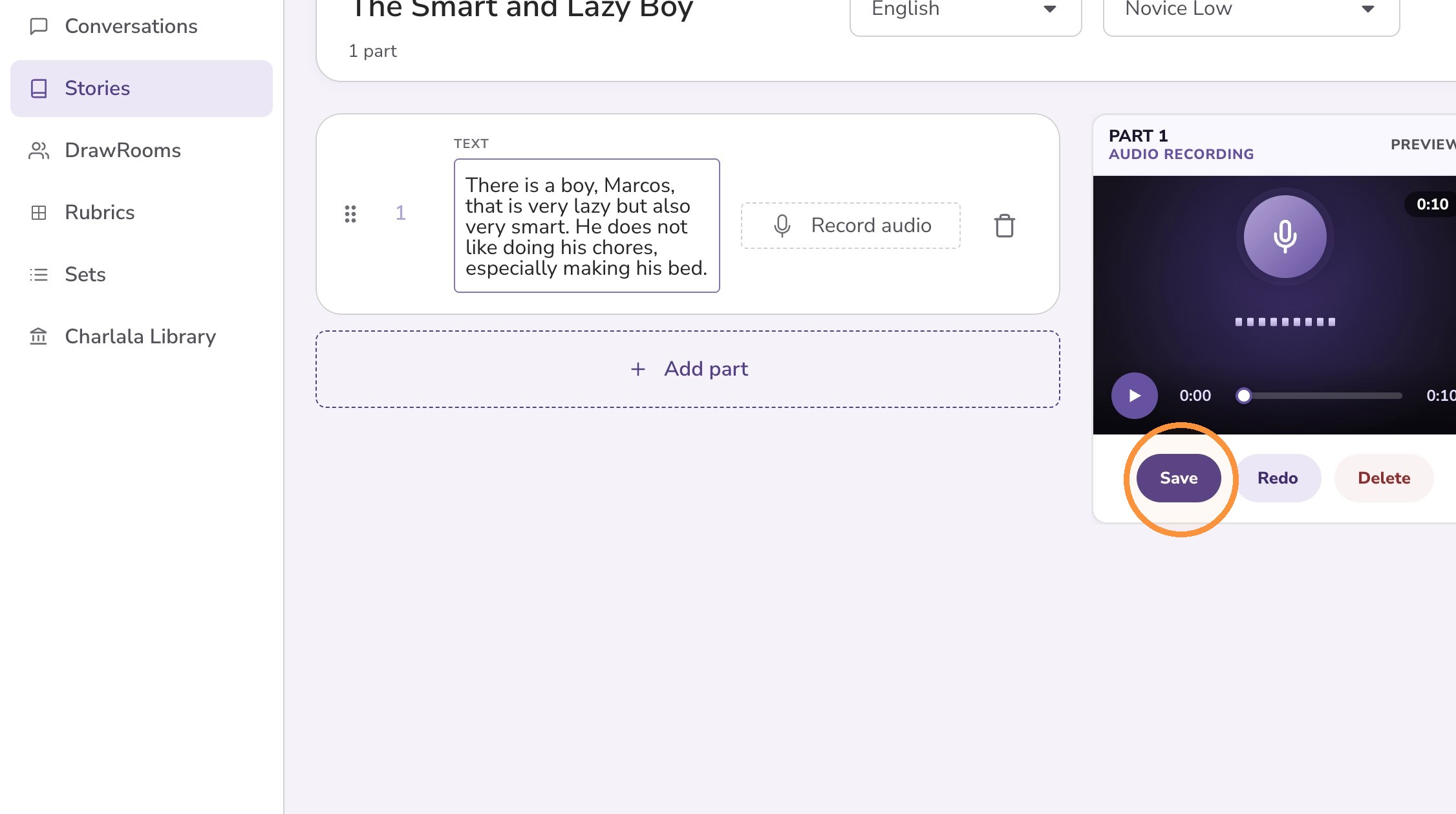
10. Review and recording and click "Save" when you are content with the recording
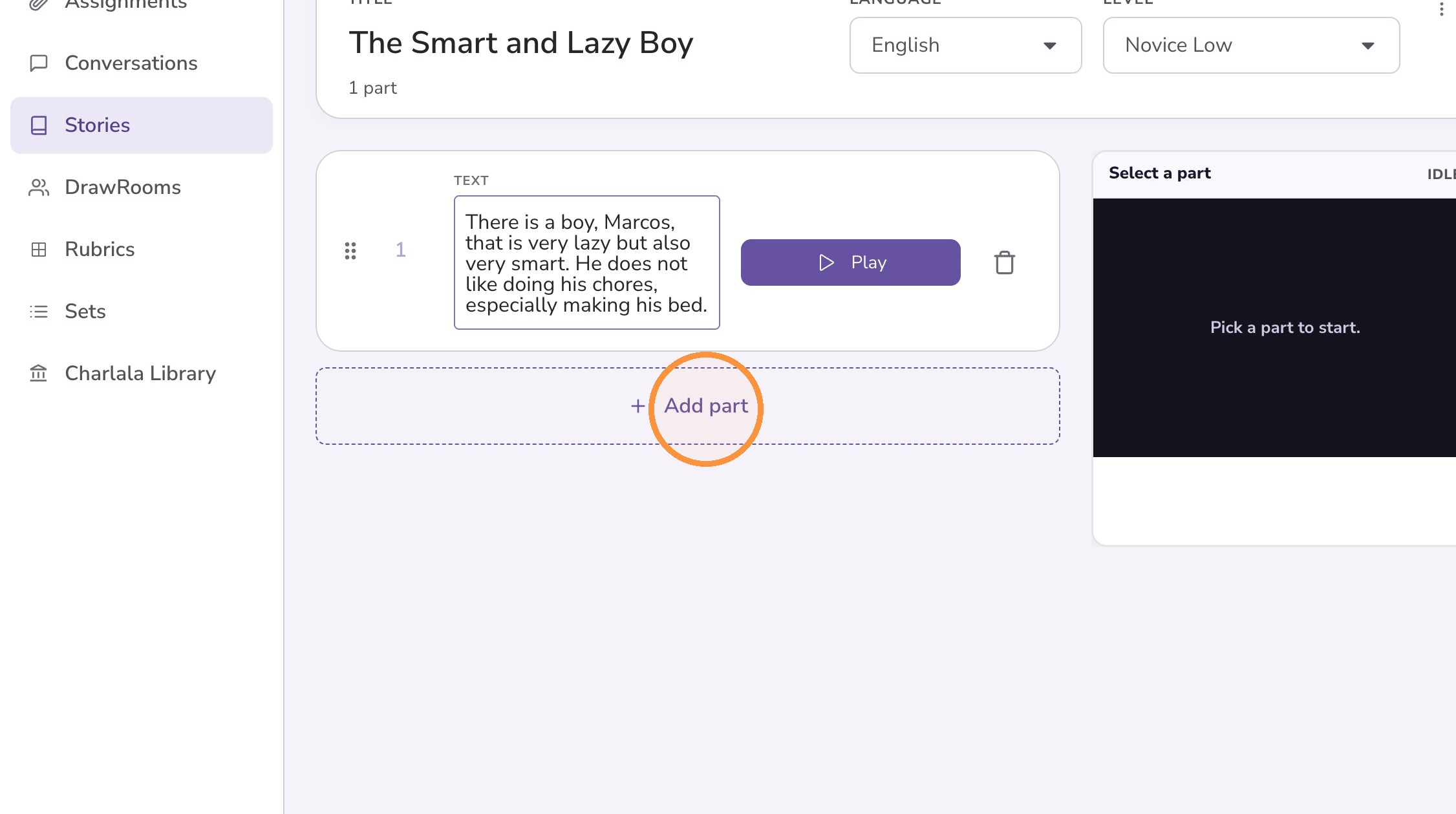
11. Click "Add part" to create add another part to the story.
12. After your story is complete, click the options menu to "Start DrawRoom" or to "Assign"