How to Create a Story Assignment
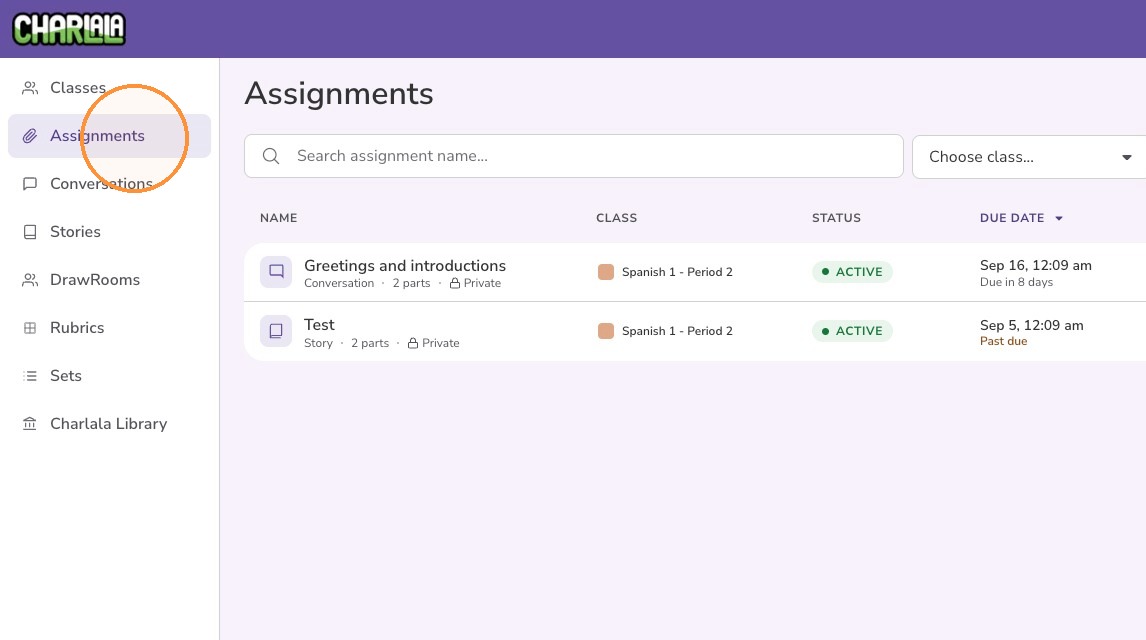
1. Click "Assignments" from the left menu
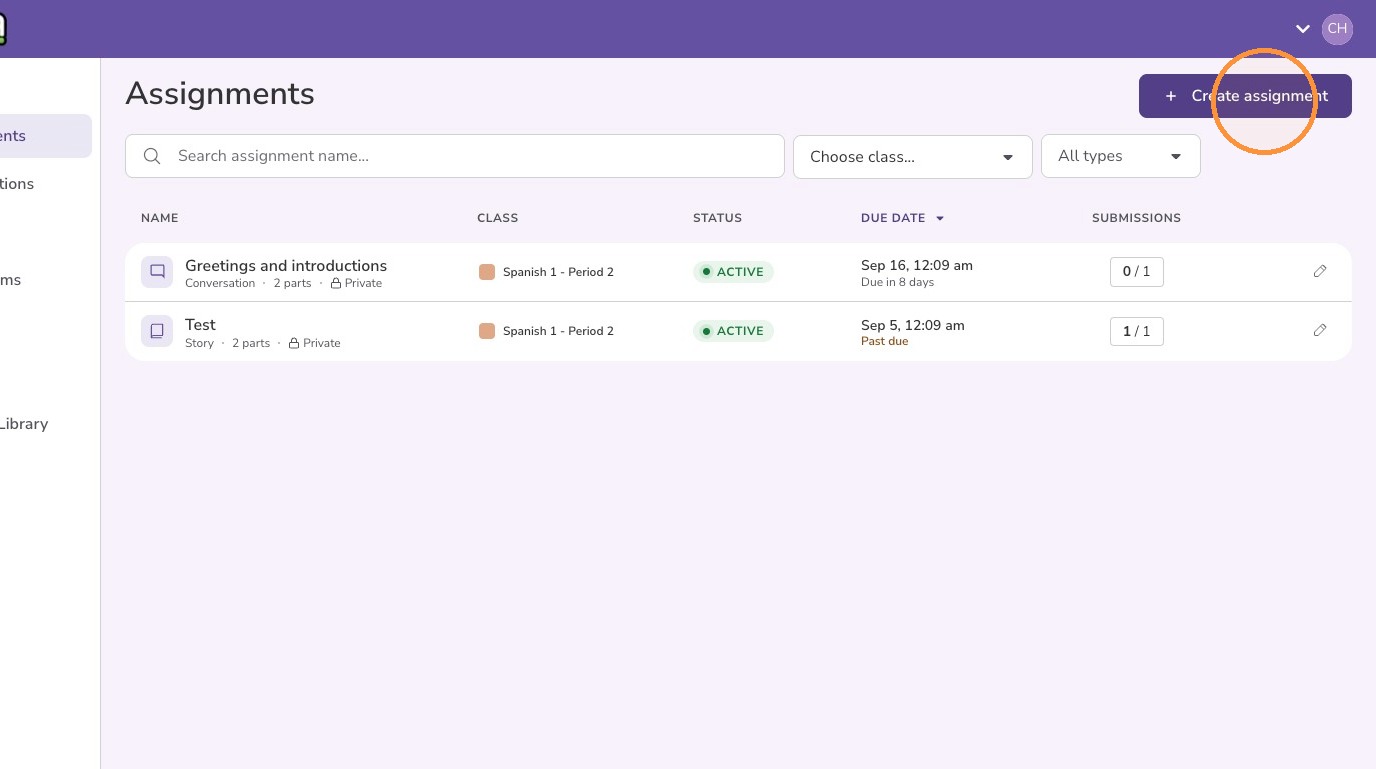
2. Click "Create assignment"
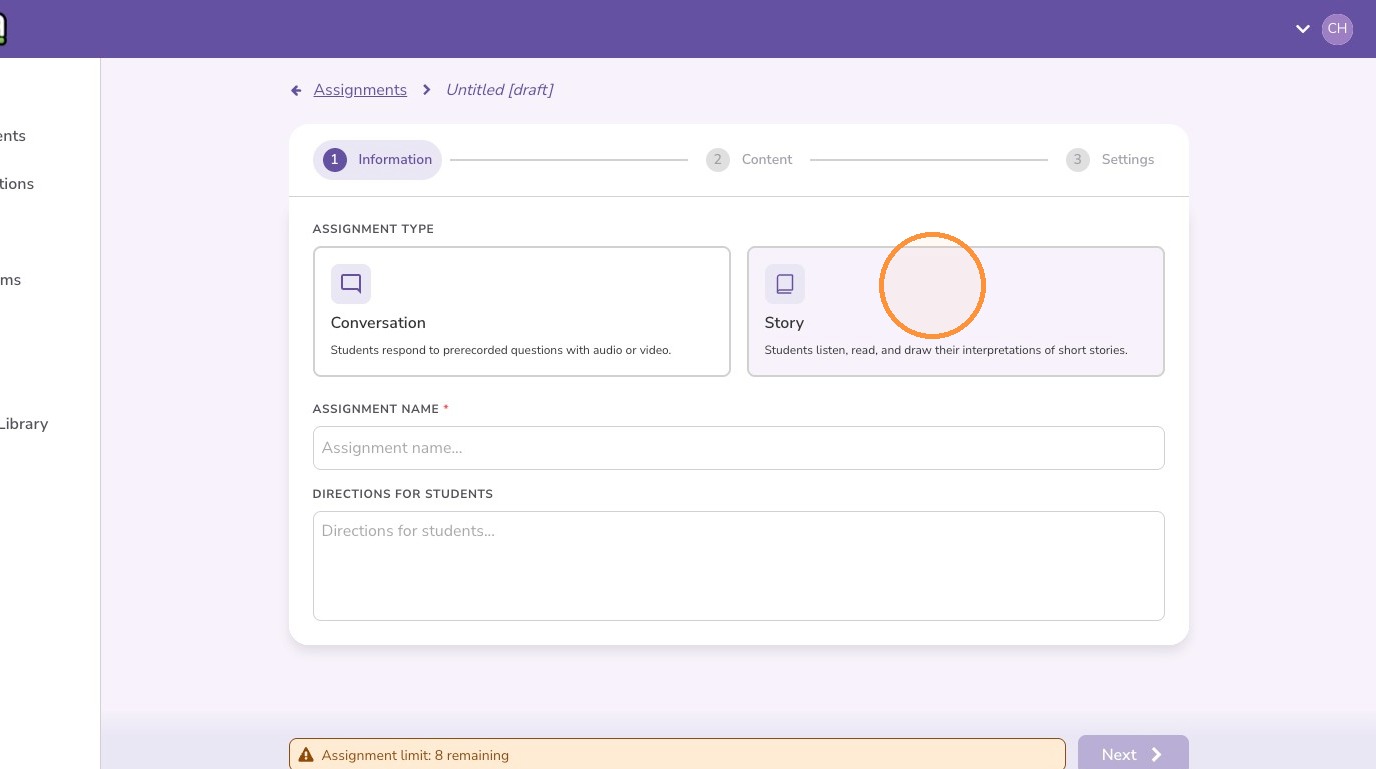
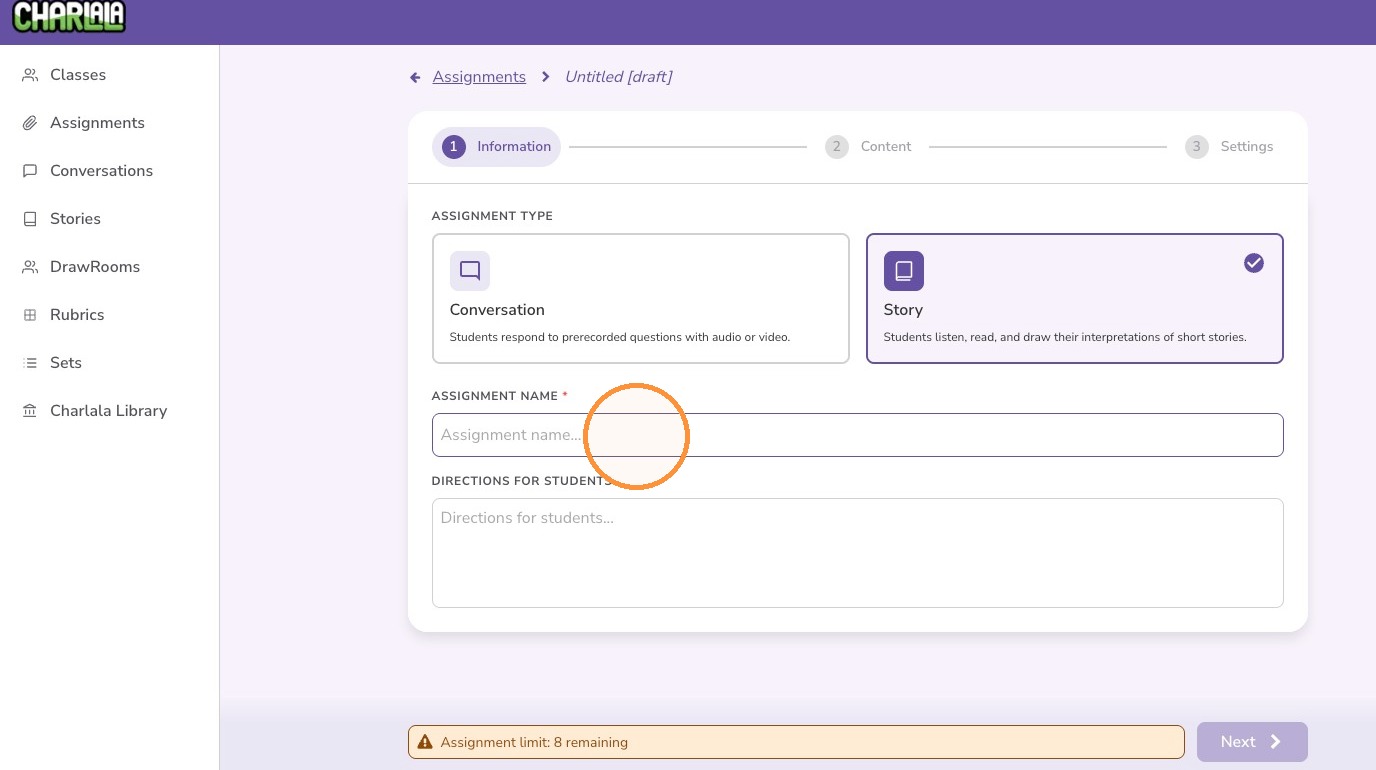
3. Select "Story" for the assignment type
4. Enter an assignment name
5. Optionally, add directions that will be visible to students.
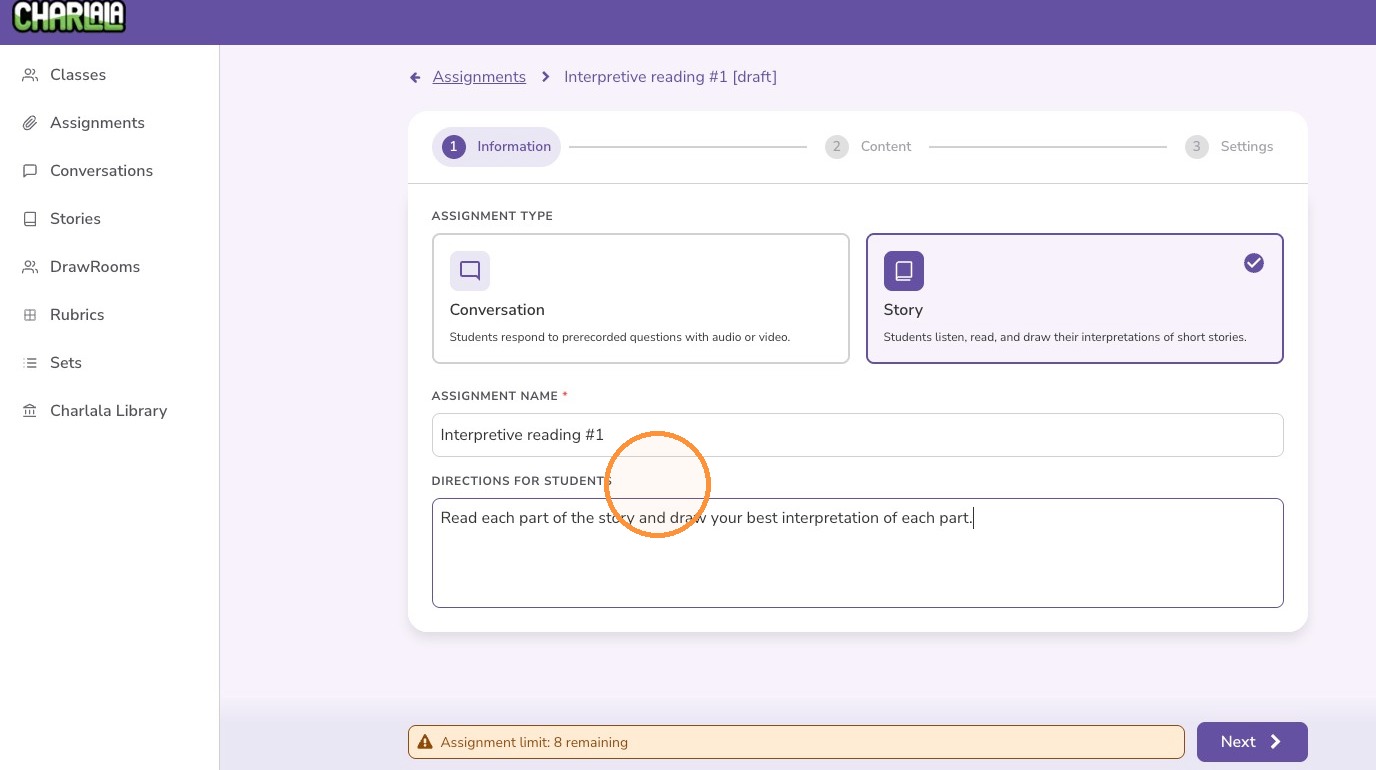
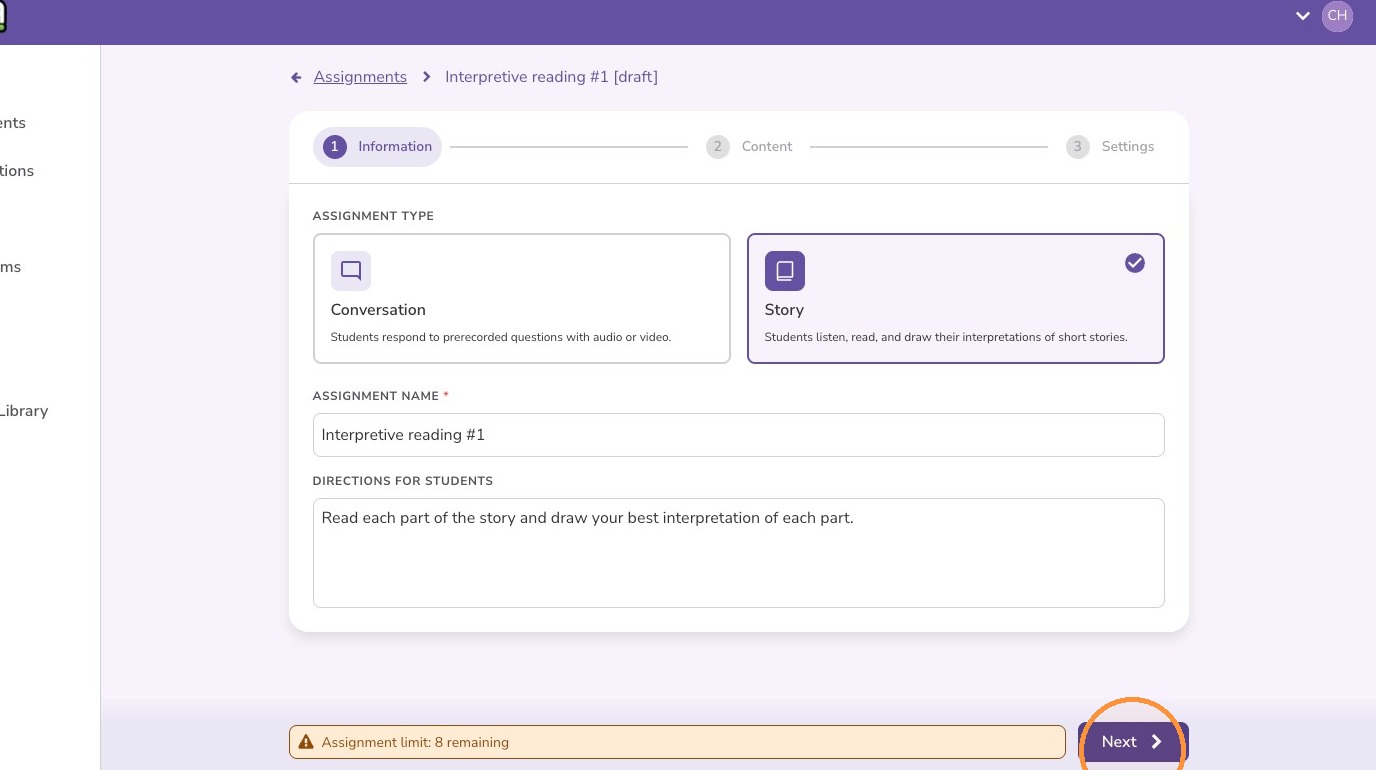
6. Click "Next"
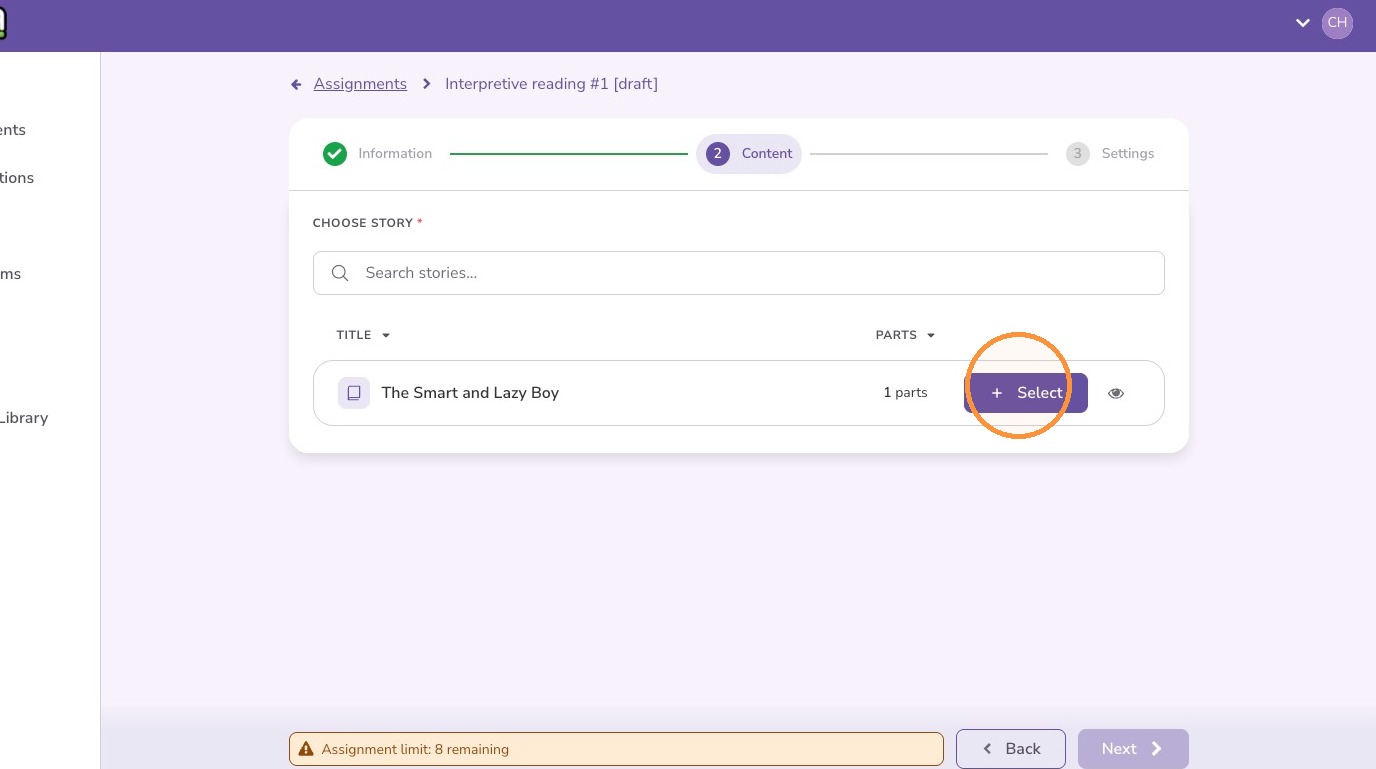
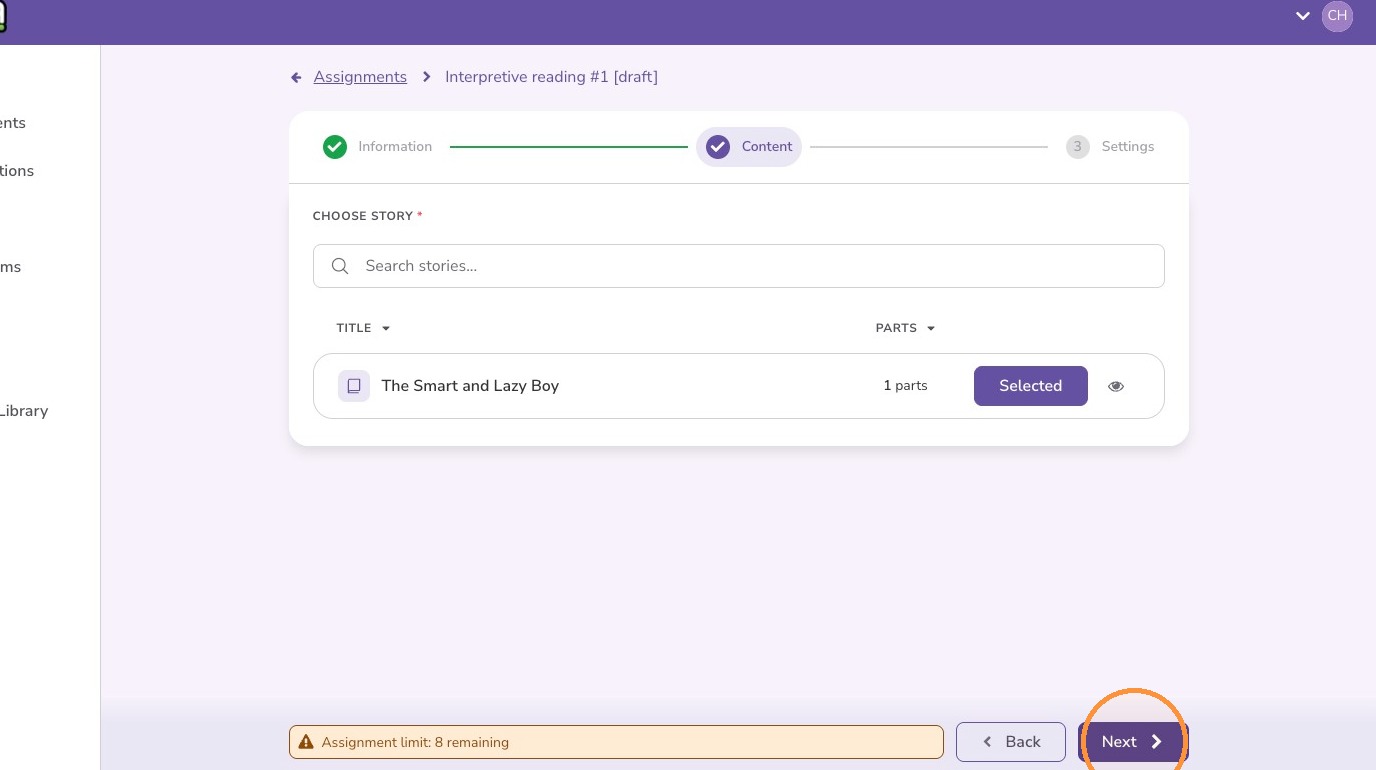
7. Find your story and click "Select"
8. Click "Next"
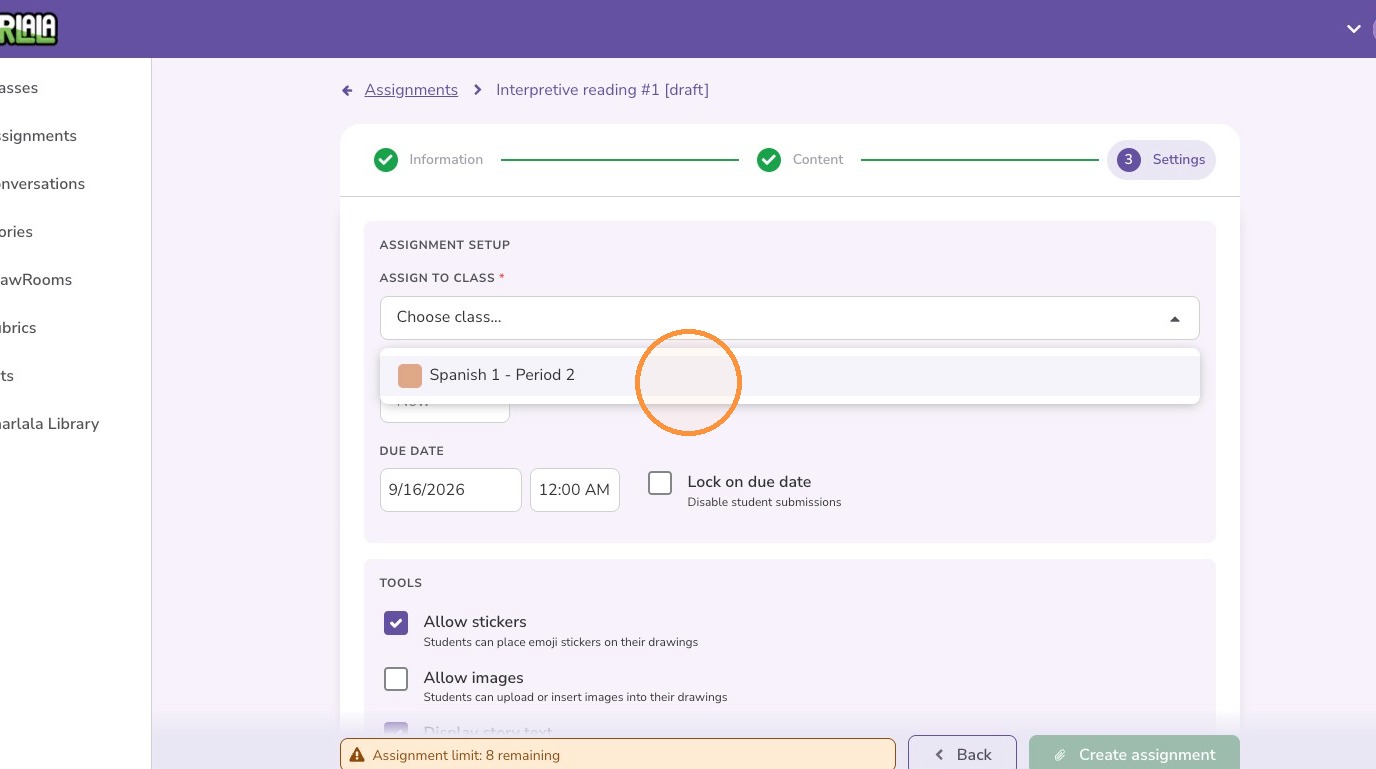
9. Select the class to be assigned from the menu
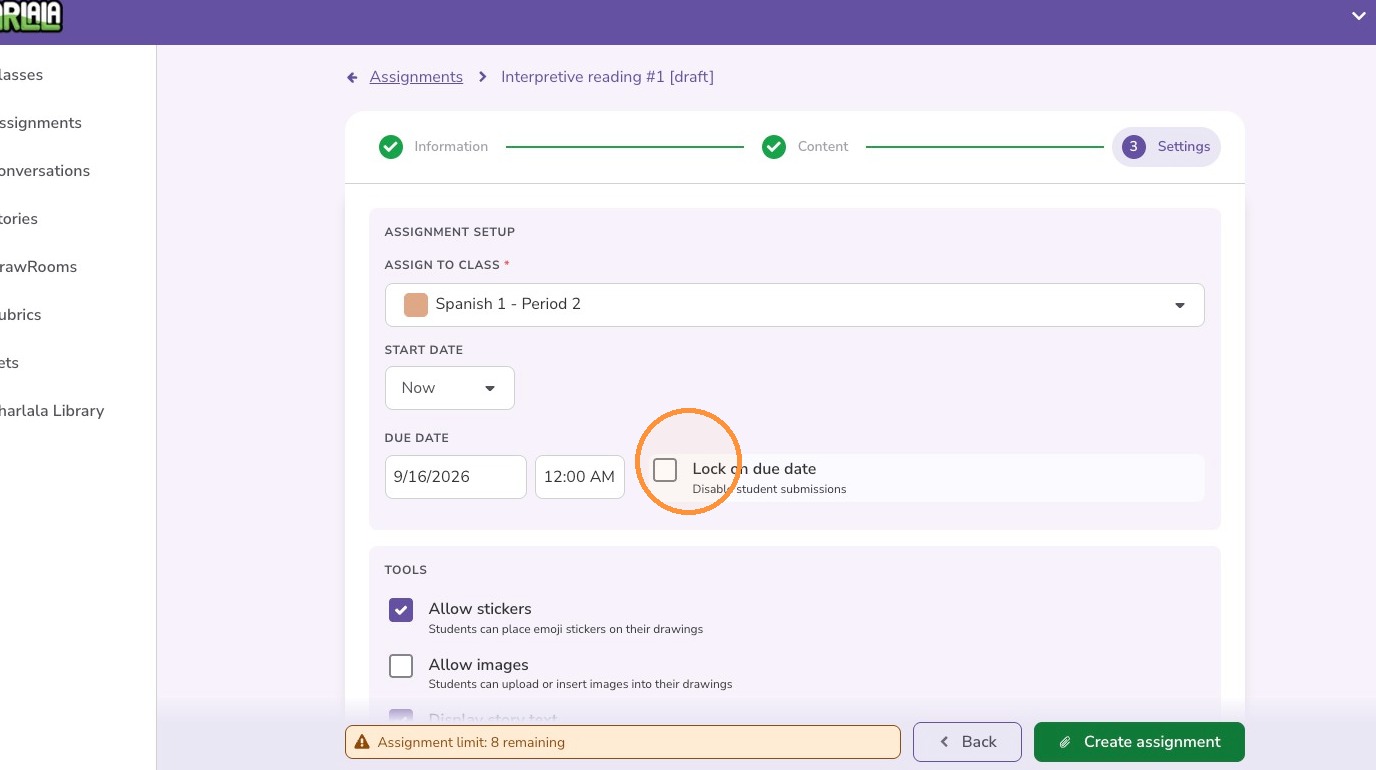
10. Adjust the start date, end date, and locking settings
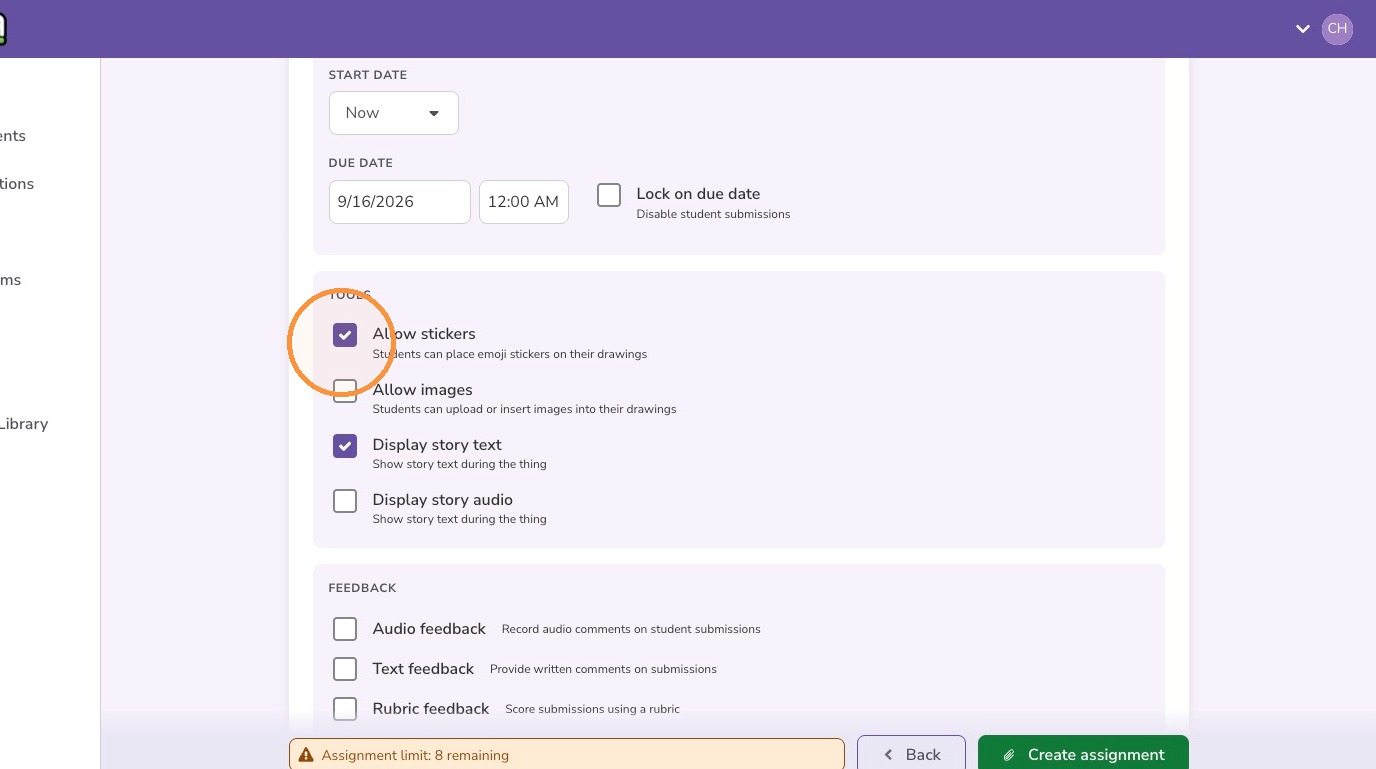
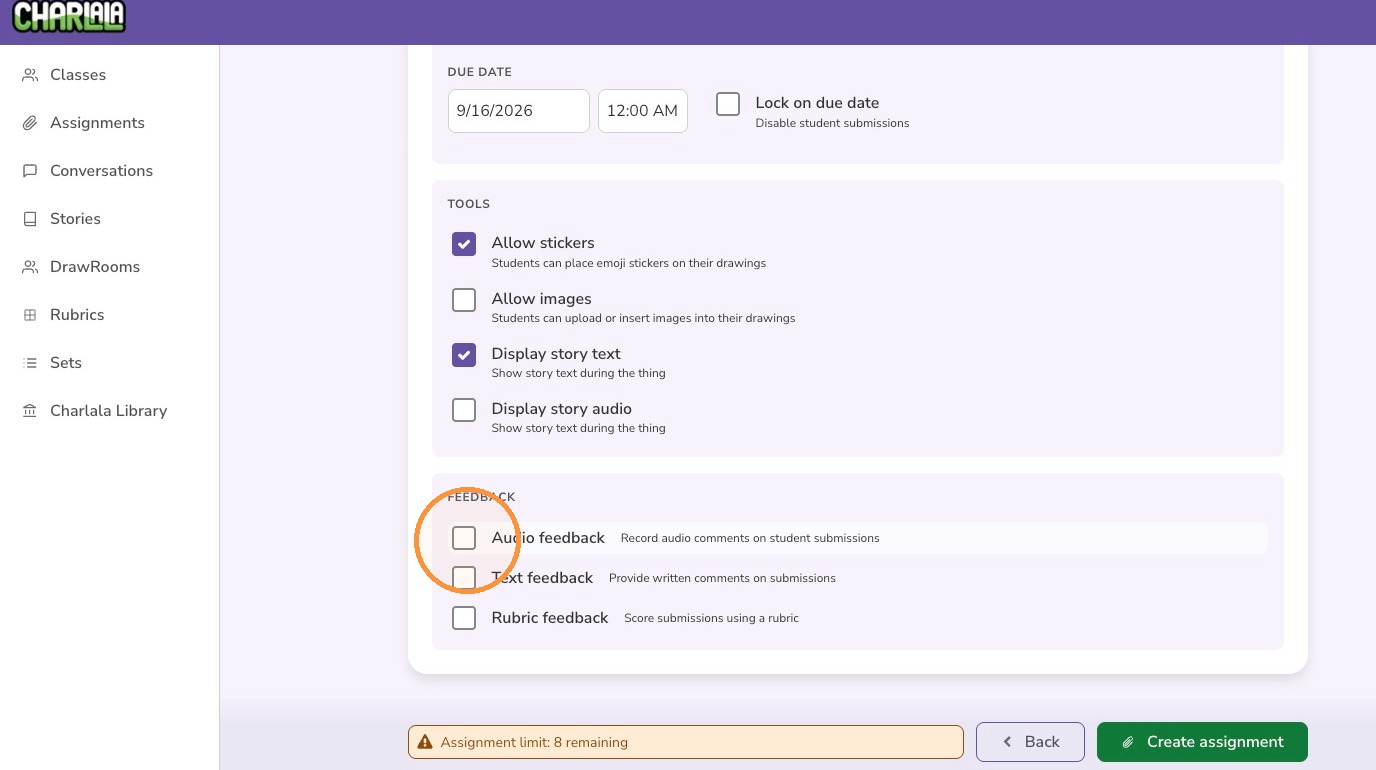
11. Adjust the tools to customize the assignment
12. Optionally, adjust how you would like to provide feedback to students on this assignment.
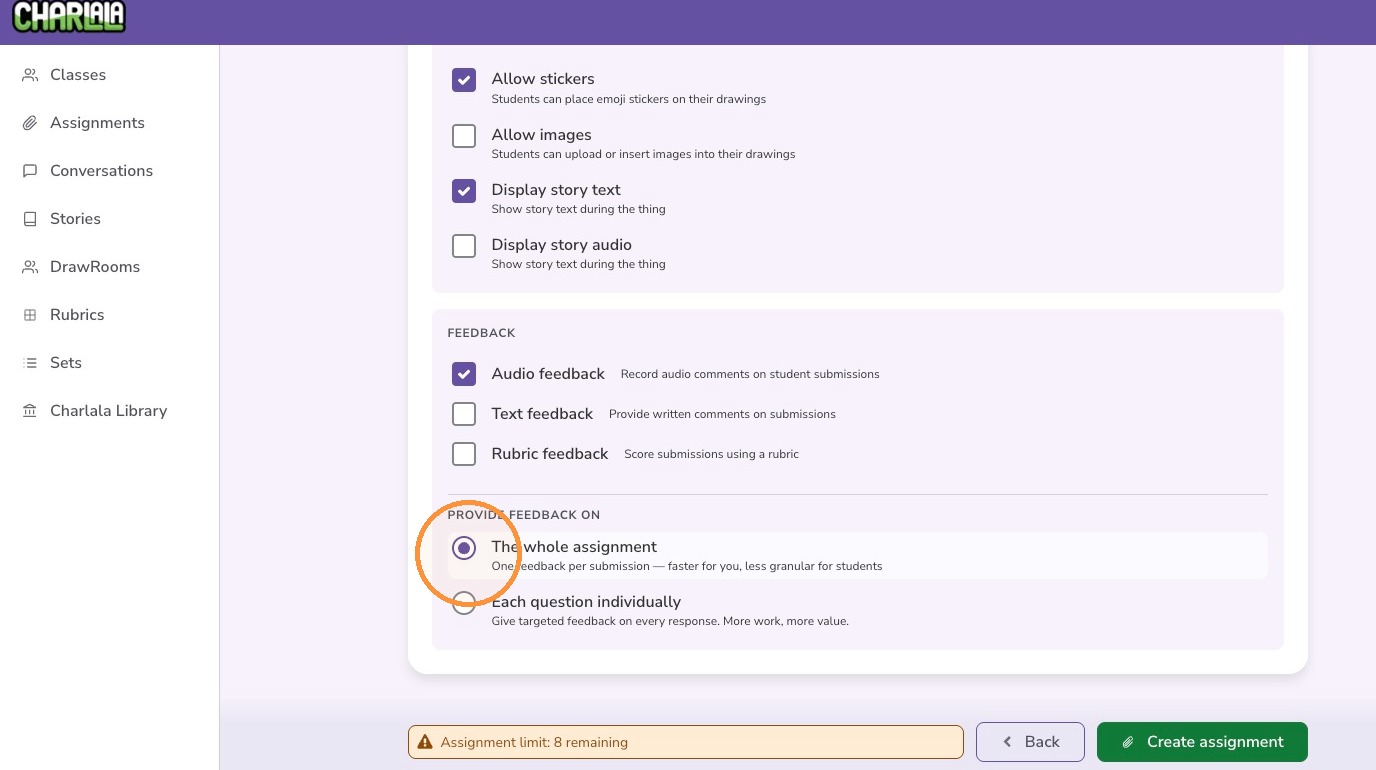
13. If you are providing feedback (audio, text, or rubric), you also need to determine if you want to provide feedback for the whole assignment or each question individually.
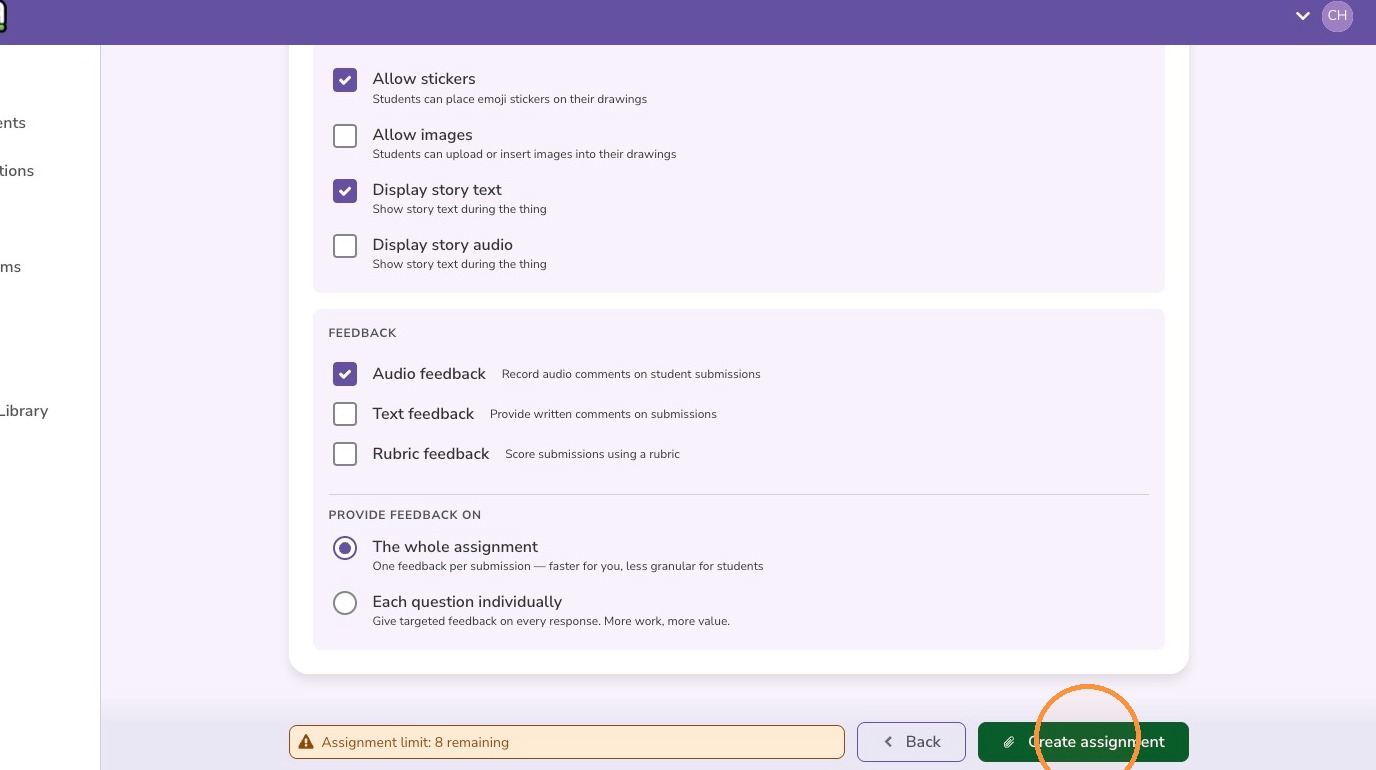
14. Click "Create assignment"
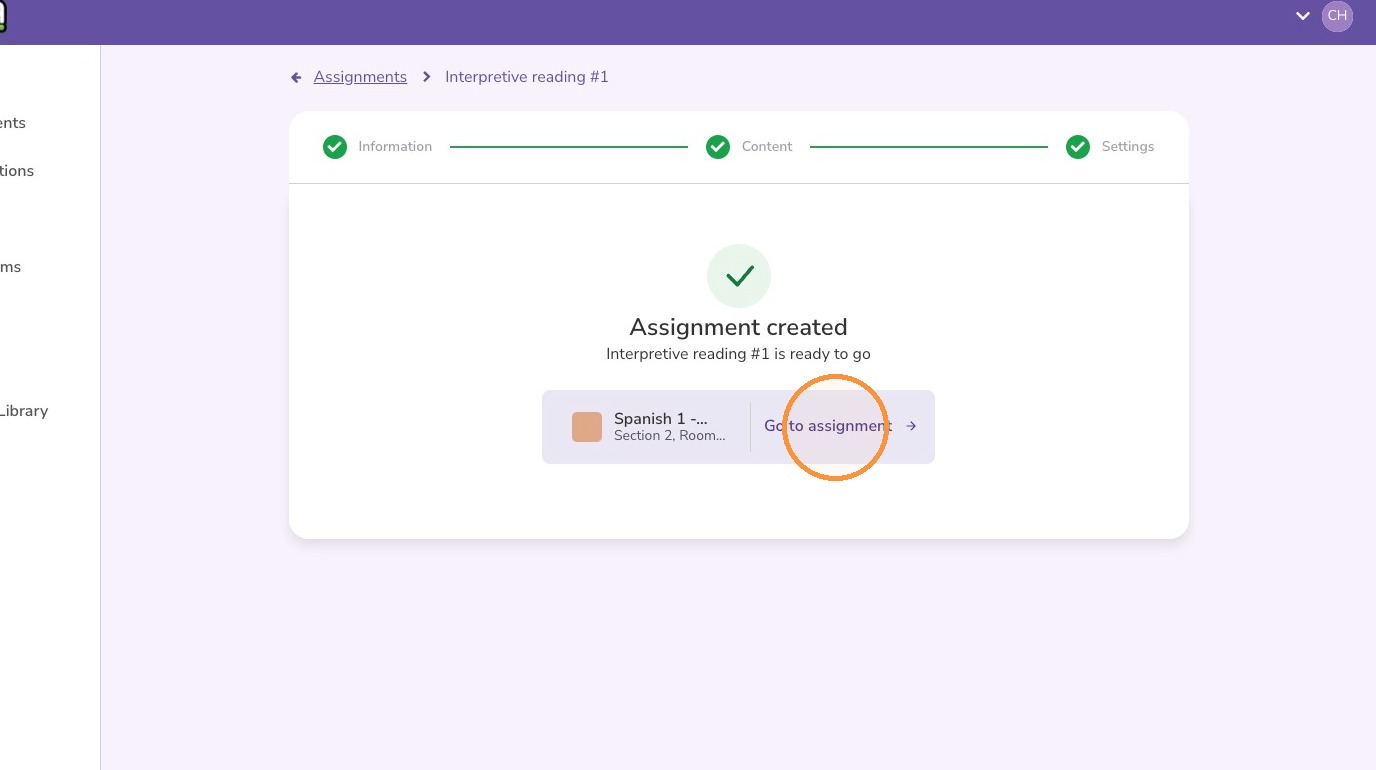
15. Click "Go to assignment"