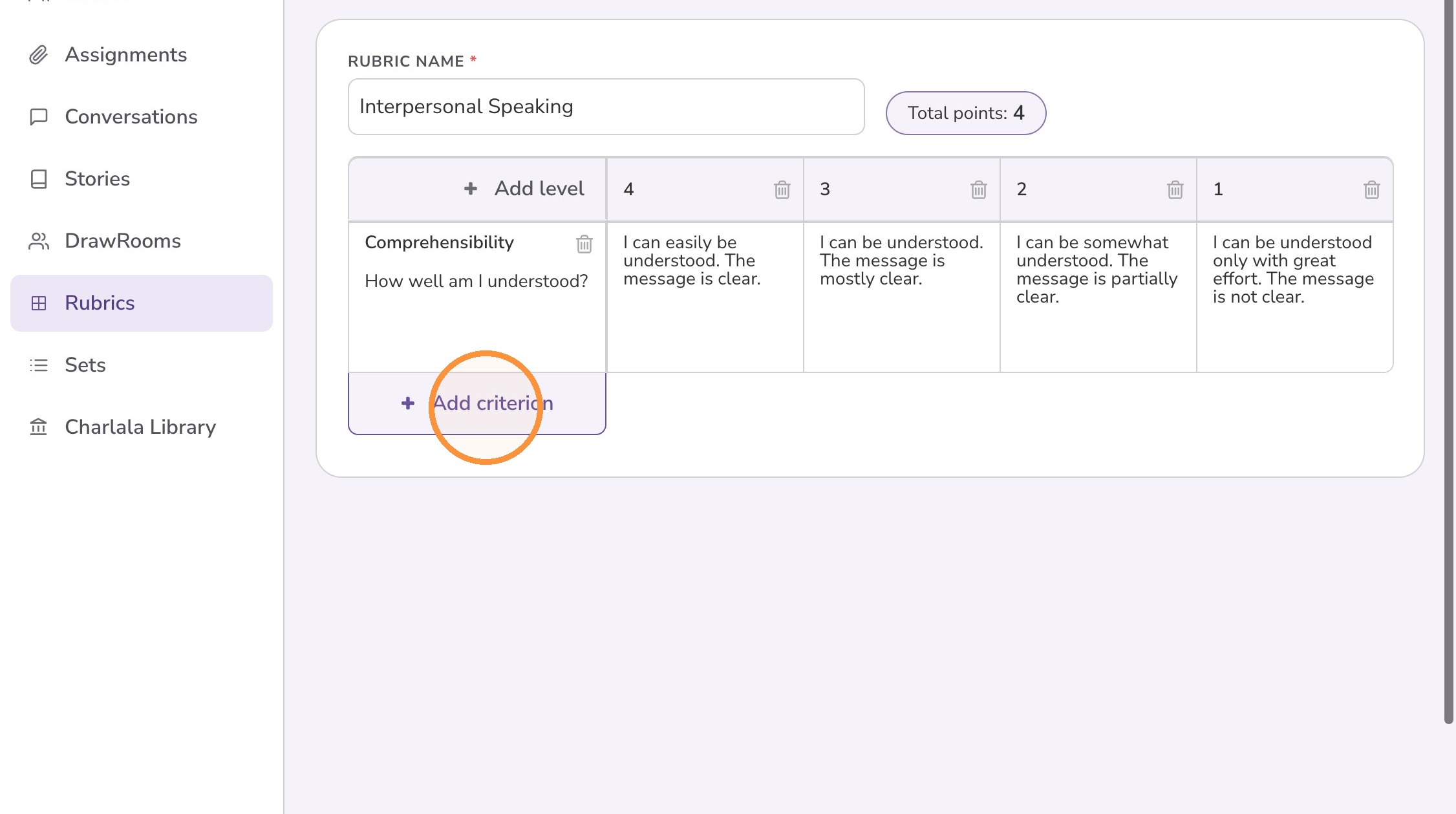
How to Create a Rubric
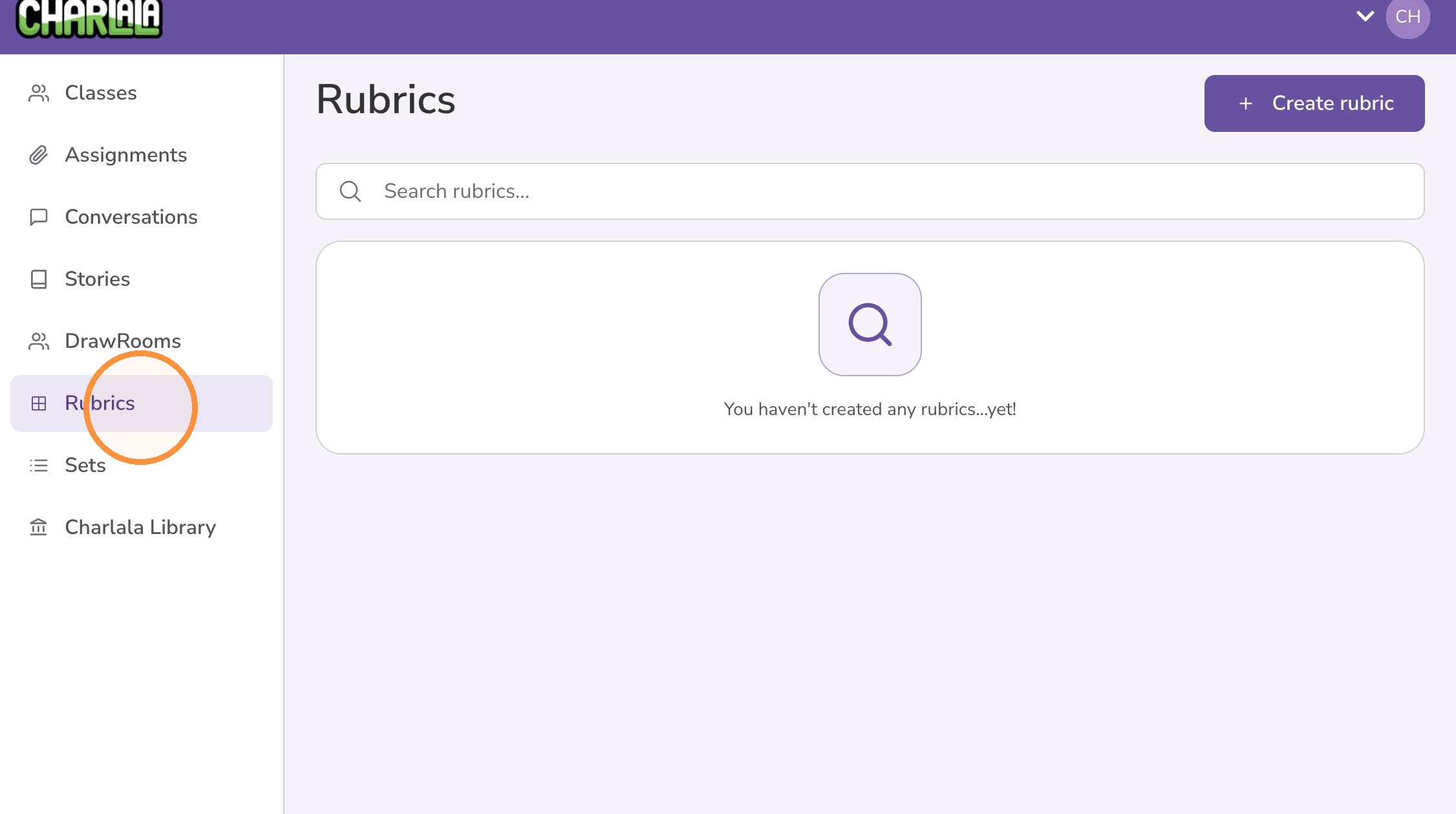
1. Click "Rubrics" from the left menu
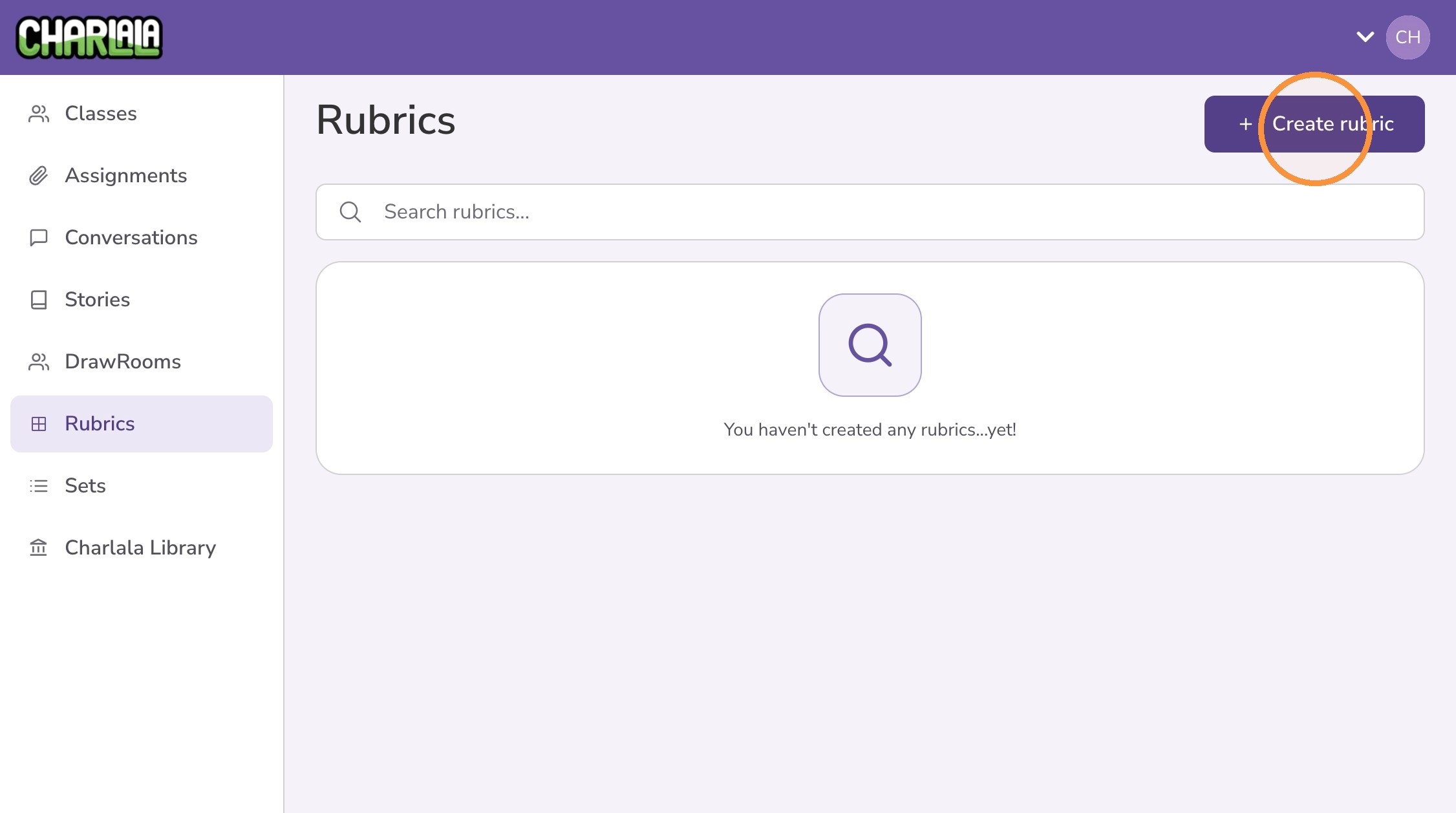
2. Click "Create rubric"
3. Give the rubric a name
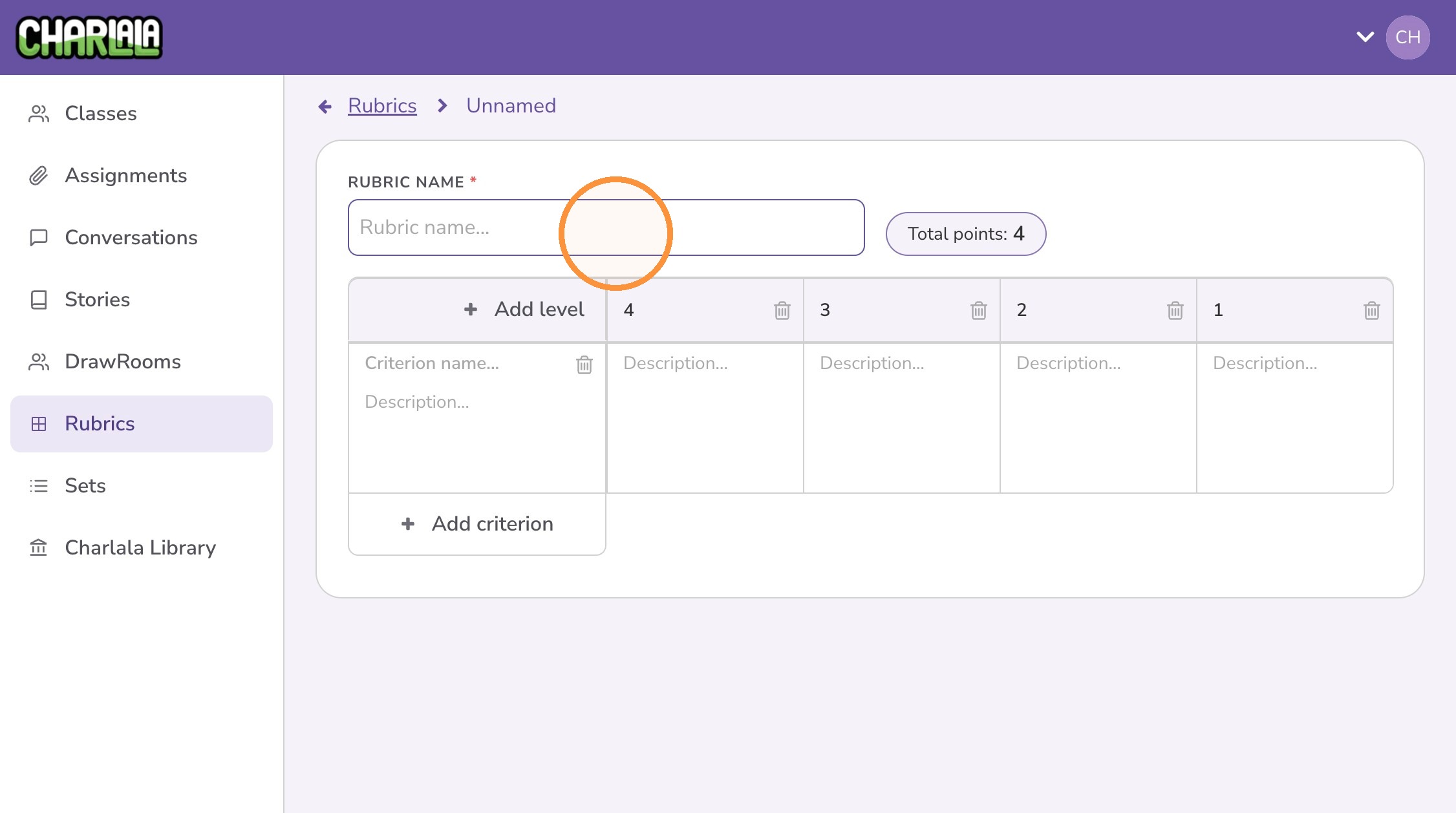
4. A 4-point rubric is created by default. Optionally, click “Add level” to create a 5-point column, and continue adding levels as needed.
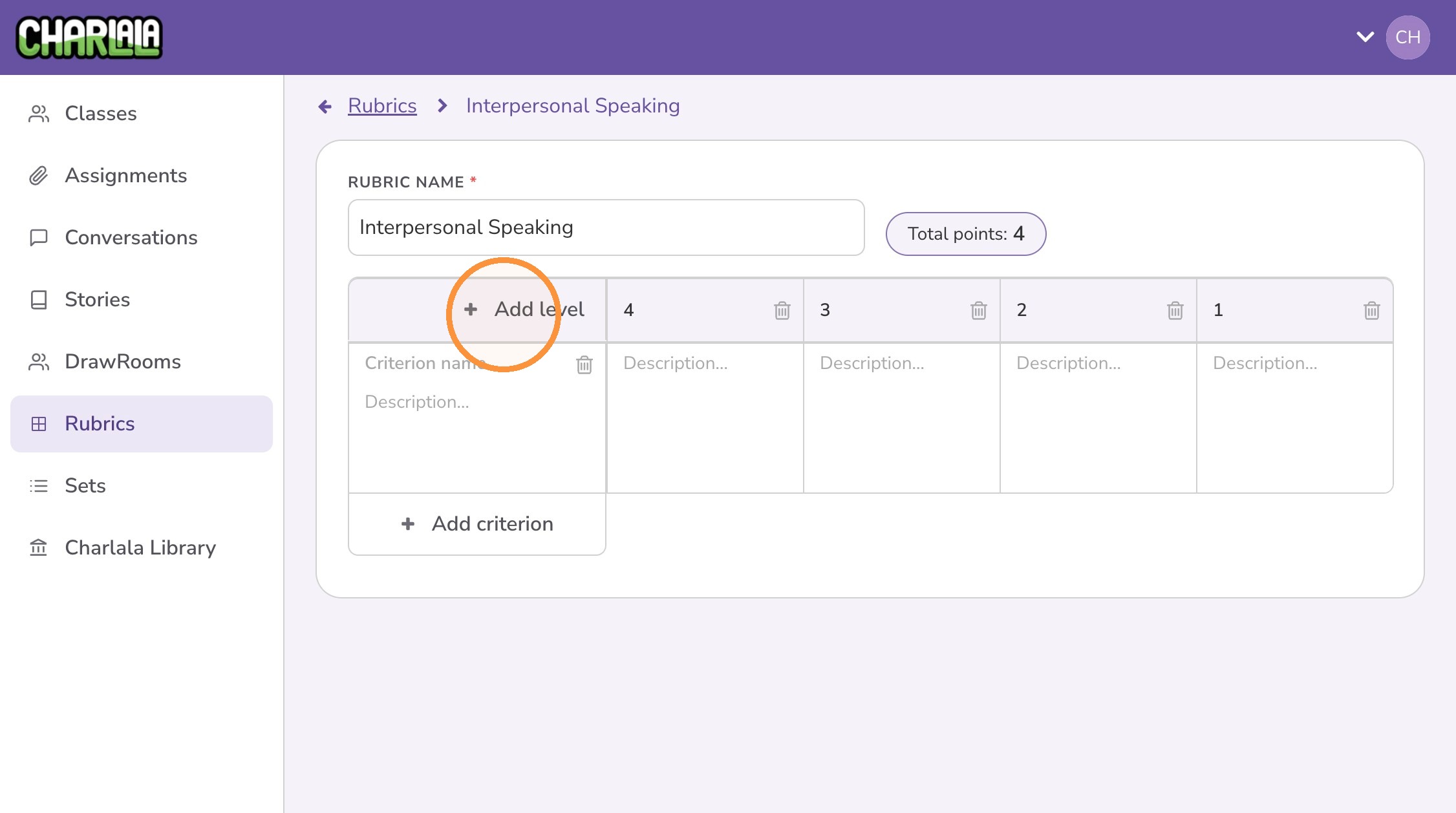
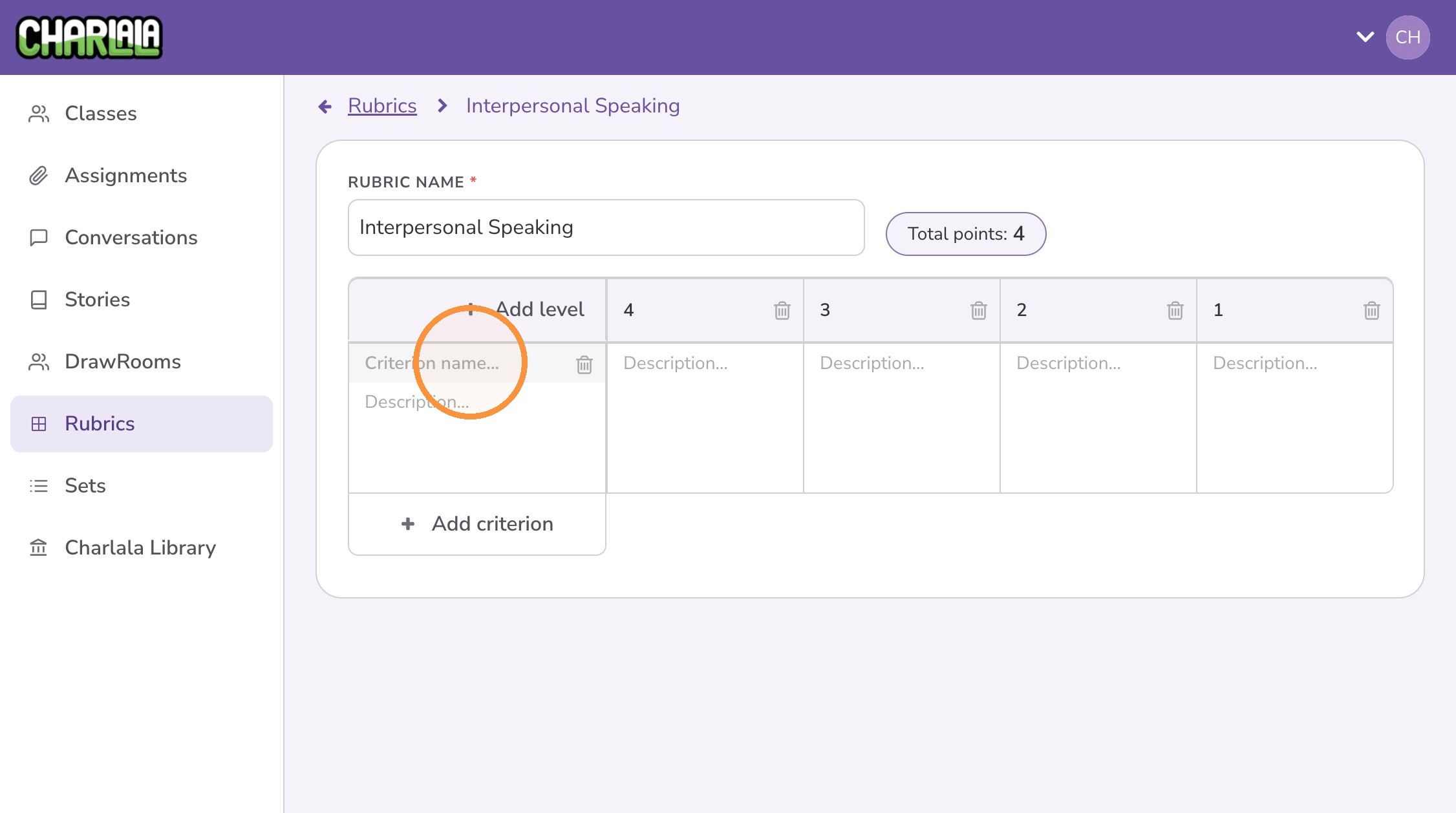
5. Give the criterion a name
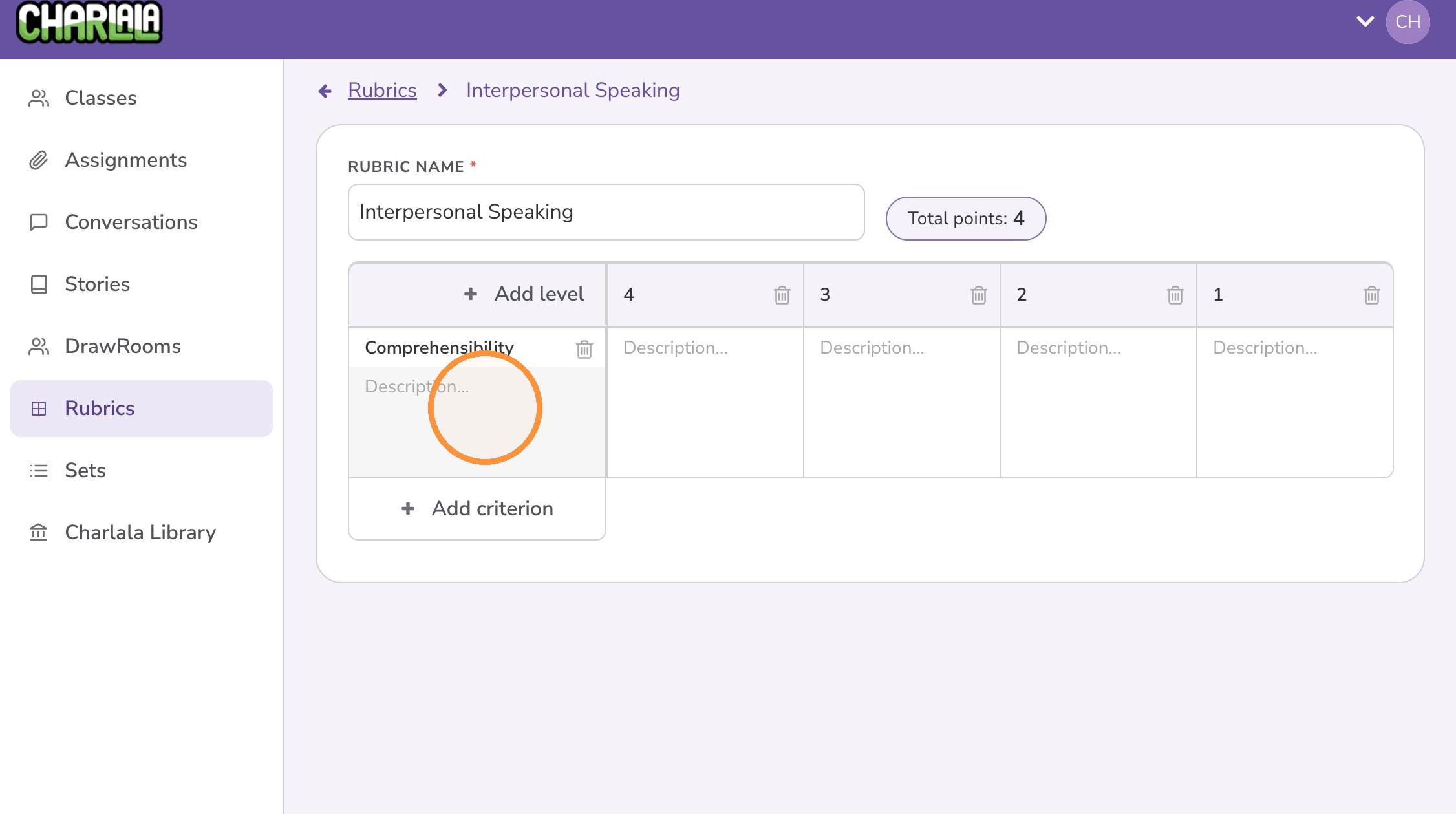
6. Give the criterion a description
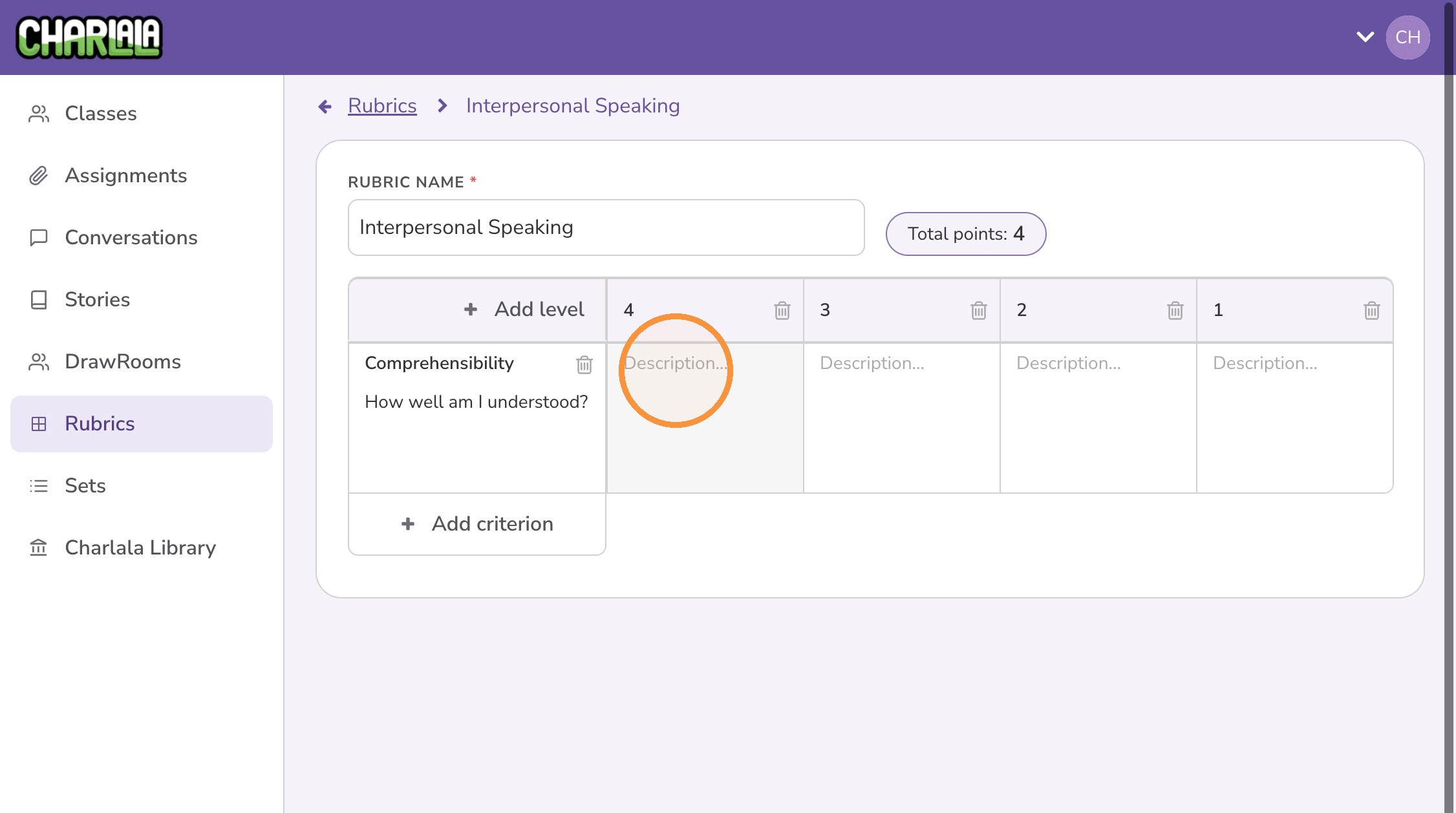
7. Create descriptors for each level for this criterion
8. Optionally, click “Add criterion” to add additional criteria.